Baseball AI Video Tool Online

Upload one image and create a baseball ai video tool online broadcast clip. This tool adds MLB-style stadium atmosphere, broadcast camera motion, crowd energy, warm golden-hour lighting, and polished sports-ad color grading without using real team logos, player names, or official league branding.

Create a custom baseball AI video clip

Turn one uploaded photo into a cinematic broadcast clip with stadium atmosphere and sports color grading. The strongest baseball ai video tool online prompts stay specific about subject preservation, camera motion, and safety exclusions while avoiding real teams, real players, and official league branding.

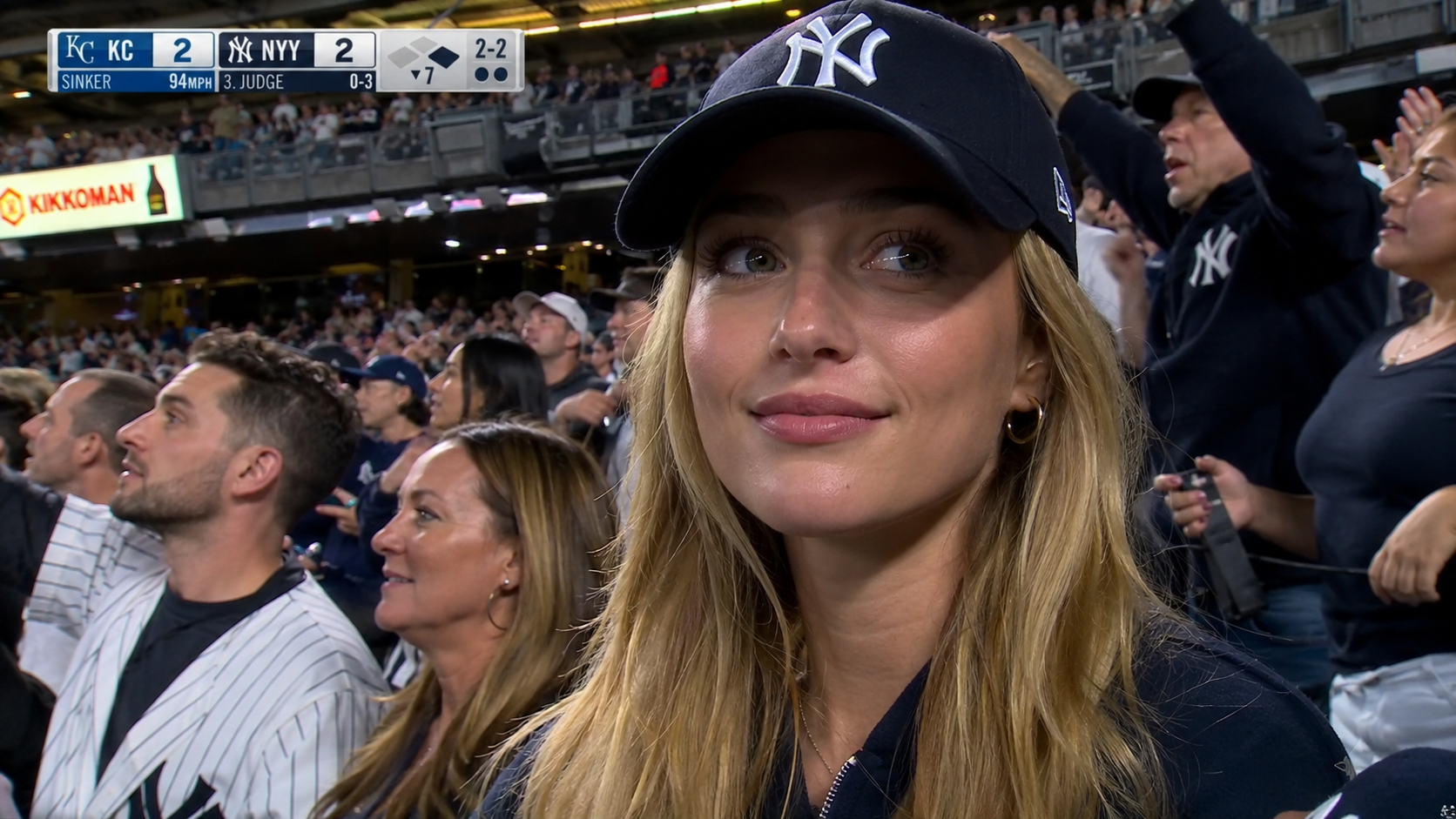
seeda.app test woman subject in a stadium broadcast clip

From Photo to Video

Upload a photo and get a baseball AI clip

Use this baseball ai video tool online when you want a single image turned into a live broadcast-style moment. A strong prompt covers the subject, the stadium setting, camera movement, warm golden-hour or night lighting, crowd energy, and sports color grading.

Photo to videoBaseball AIStadium scene
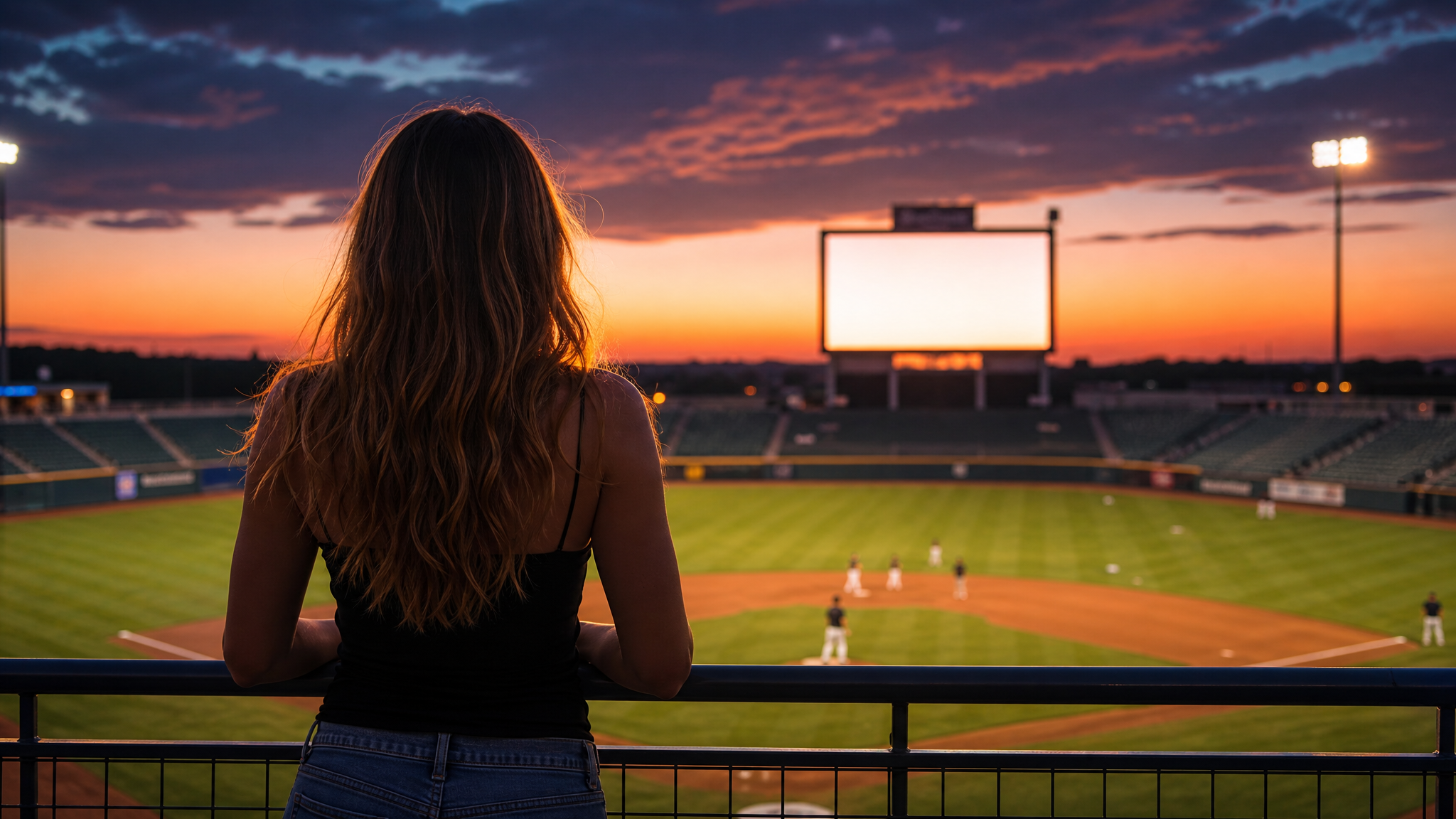
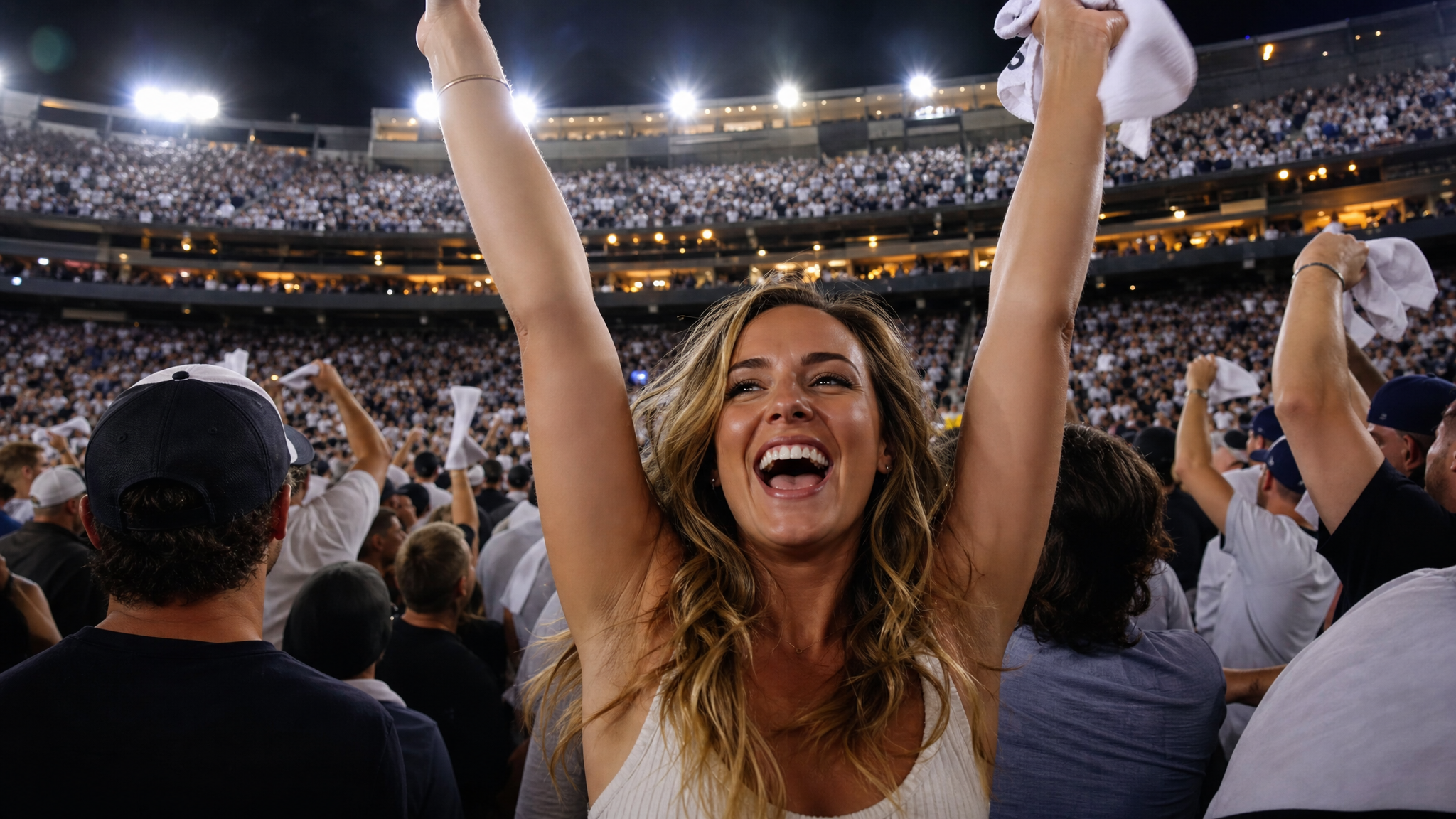
AI baseball stadium video generator jumbotron display example for social media

Social Shorts

Create a baseball AI video for social

A stadium video should be recognizable even at thumbnail size. This tool keeps the scene wide, bright, and clear for TikTok, Instagram Reels, YouTube Shorts, content marketing, or creator posts. Focus the prompt on broadcast camera motion, stadium atmosphere, and warm lighting.

Social shorts16:9 formatContent marketing
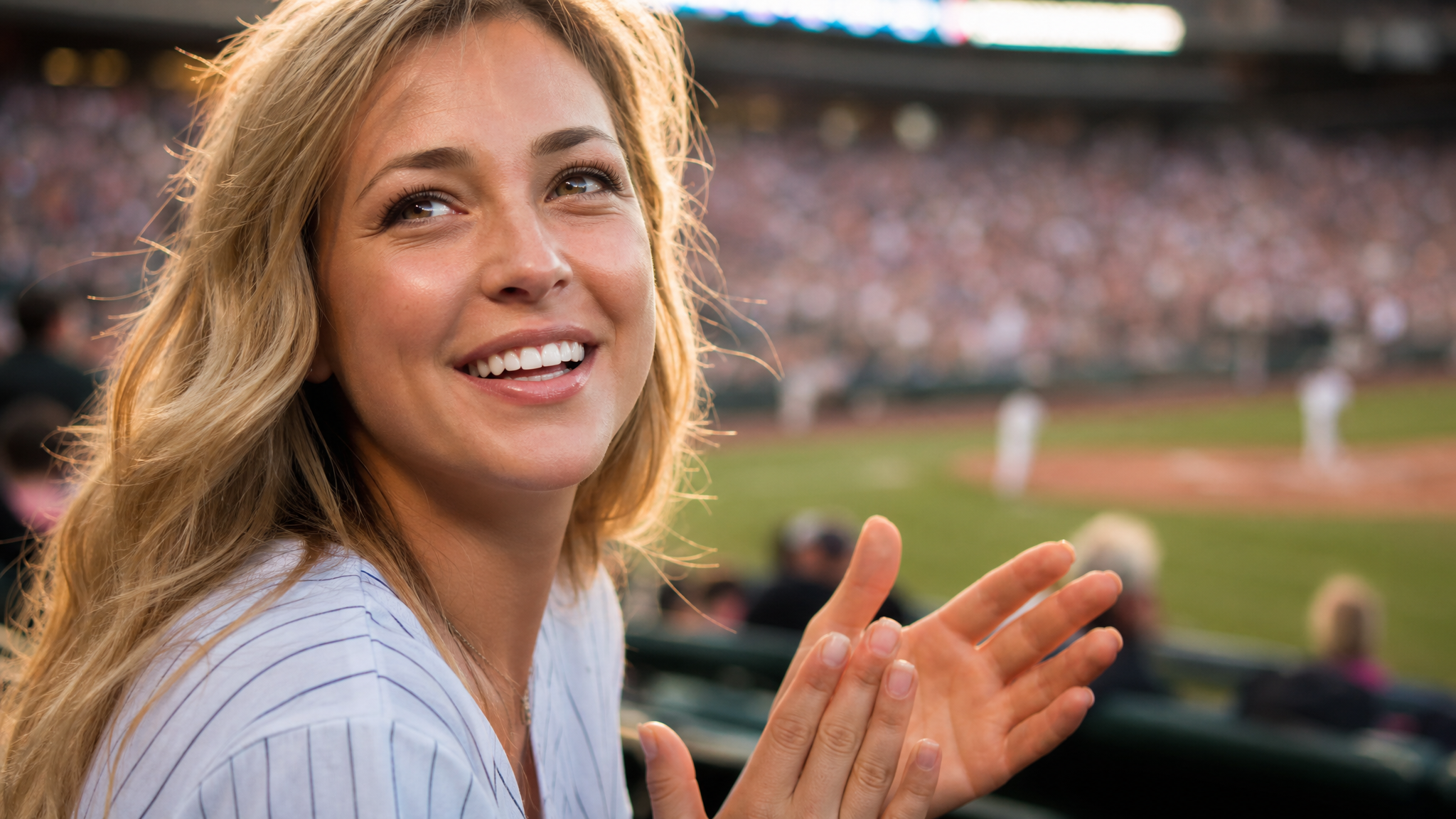
AI baseball stadium video generator action feature for prompt control and broadcast direction

Prompt Guide

Guide the AI baseball tool with a clear prompt

The tool gives better results when your prompt reads like broadcast direction notes. Include 16:9 widescreen, broadcast camera motion, warm stadium lights, cheering crowd, shallow depth of field, and golden-hour or night atmosphere. Ask for subject preservation to keep the focus on your original content.

Prompt guideBroadcast briefSubject preservation
How To

How to use the ai baseball stadium video generator

The fastest workflow: upload a clear image, describe the broadcast scene, then refine the prompt for your target platform. This generator is built for image-to-video, turning one uploaded photo into a professional broadcast moment.

1

Pick your source photo

Begin with one sharp portrait or centered photo. The generator uses the uploaded image as the main subject and keeps the face, pose, and composition stable throughout the broadcast clip.

2

Set the broadcast scene

Describe the stadium setting, cheering crowd, warm golden-hour or night stadium lights, broadcast camera motion, cinematic depth of field, and sports color grading. This tells the baseball ai video tool online to create a broadcast clip, not a generic animation.

3

Generate the 16:9 video

Run this baseball ai video tool to create a clip with widescreen framing, slow push-in motion, handheld stadium-cam feel, and polished sports-ad color grading.

4

Stay rights-safe

Use original subjects, your own photos, and campaign-safe stadium concepts. Do not ask for real team logos, real player names, official league branding, or readable copyrighted marks. The seeda.app baseball ai video tool works best as a custom broadcast maker.

Baseball AI video prompt ideas

Try these baseball ai video tool online prompt directions for different broadcast angles. Each keeps the output rights-safe with subject preservation, broadcast-style results, no real team logos, no player names, and no copyrighted marks.

Baseball AI Video Tool FAQ

Answers to common questions about using seeda.app baseball ai video tool online, stadium broadcast maker, and AI video generator for original social and content clips.


Create your baseball AI video now

Use the baseball ai video tool online to turn one uploaded image into a cinematic stadium broadcast clip. Start with the default the baseball ai video tool prompt, then refine the subject, broadcast camera motion, lighting mood, and stadium atmosphere for your social content, creator moment, or campaign video.