

Creators
Short-form clips for TikTok and Reels
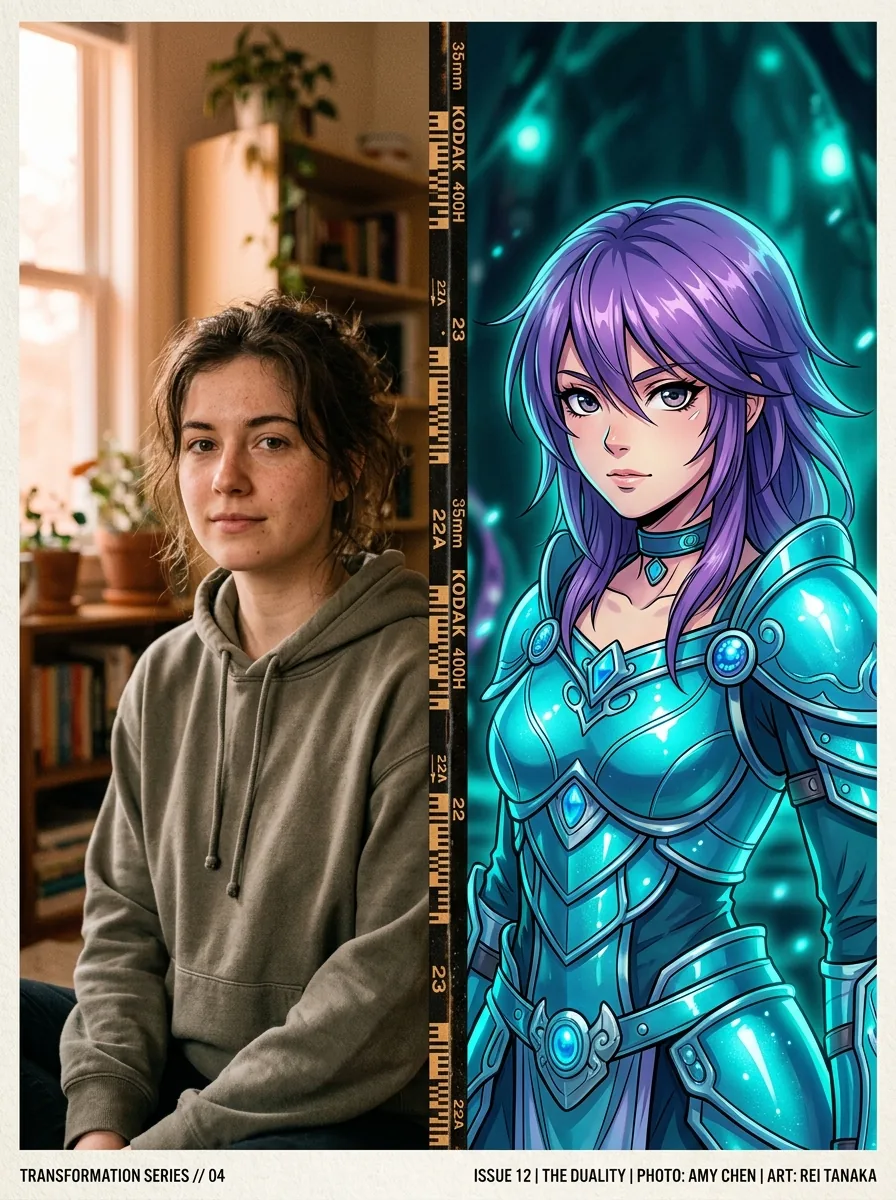
Drop fresh cosplay clips daily — dance trends, character reveals, transformations, and music edits that pop on the for-you page.
TikTokReelsShorts
Upload one selfie, pick a character, and Seedance renders a cinematic clip in under a minute. No costume, no camera, no editing skills required.
Most cosplay searches come from creators who want one clean workflow: upload a selfie, pick a character, preview the first frame, and only then commit to a longer clip.
Upload one clear selfie and the engine maps your face onto any anime, game, or movie character with photorealistic accuracy.
Pick from 1000+ characters across Genshin Impact, Honkai, Naruto, Marvel, and more, or describe your own original cosplay.
Start with a short low-resolution AI cosplay video preview for face match and pose, then move to a longer 4K render once the look is approved.
Use the approved first clip as the visual anchor for chained shots, dance moves, transitions, and full short-film sequences.
Use Seedance when you need more than a one-shot prompt. The selfie, character, motion, and scene controls stay in the same creative flow.
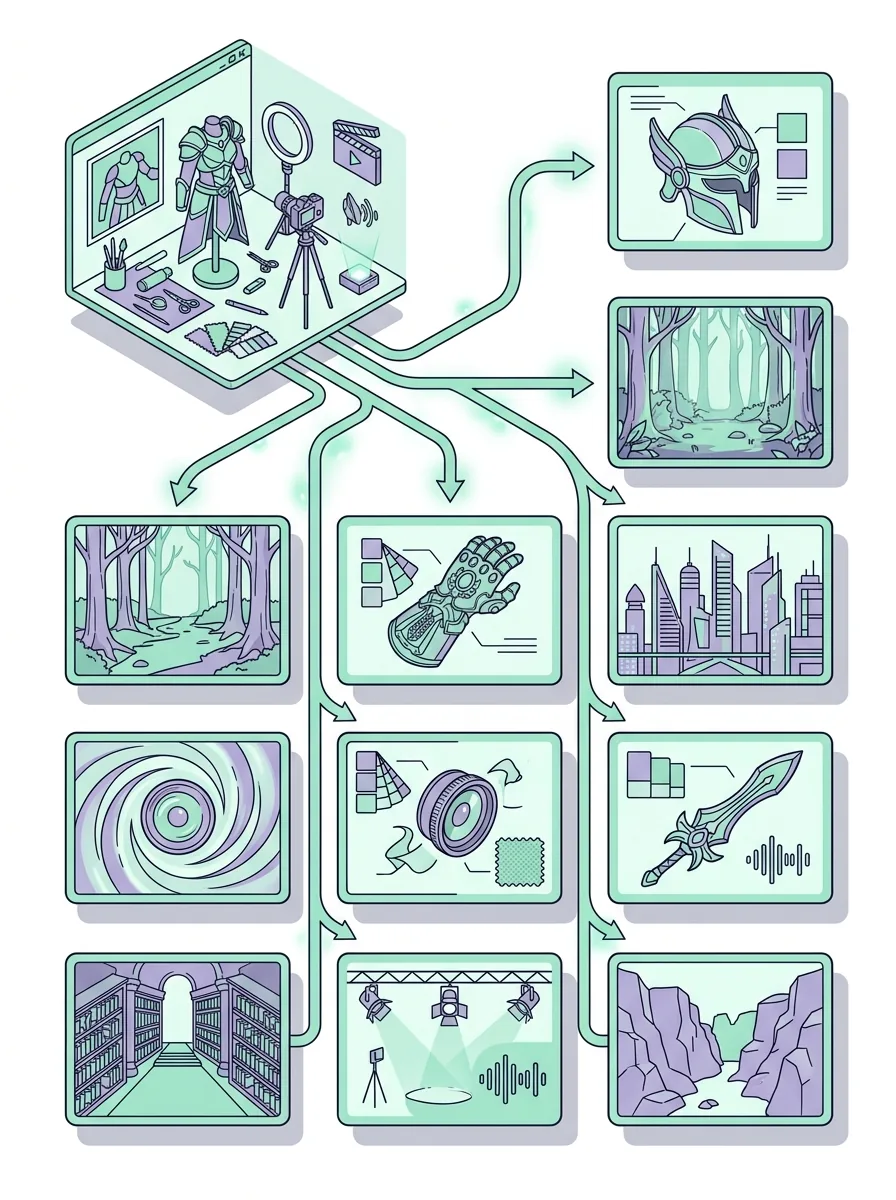
For power users, separate the four core controls: face mapping, character & costume, motion & pose, and scene & camera.
AI cosplay video pricing usually points at two things: how Seedance credits are spent per clip, and how to plan a longer cosplay reel without burning credits on bad takes. The generator shows a credit estimate before every render.
Render a short low-resolution preview to confirm face match, pose, and outfit before committing to a longer clip.
Move to high resolution only after the cosplay character, motion, and scene direction are already approved.
Build multi-shot reels only after the first clip works, so motion credits go into the strongest cosplay take.
Start with the generator, validate the first clip, then chain shots only when the cosplay direction is ready.
Take a clear selfie or upload an existing photo. Front-lit, neutral expression, and a clean background give the best face match.
Browse 1000+ characters or describe your own. The engine supports anime girls, game heroes, vtubers, and original cosplay designs.
Pick a pose, dance, or action template, then drop the clip into a matching background. Add an optional prompt for camera and mood.
Hit generate, preview the cosplay clip, tweak if needed, and export in HD or 4K — ready to post anywhere or chain into a longer reel.
AI cosplay video works best where a strong character clip saves time before a photo shoot, costume build, or full short-film production.
Creators
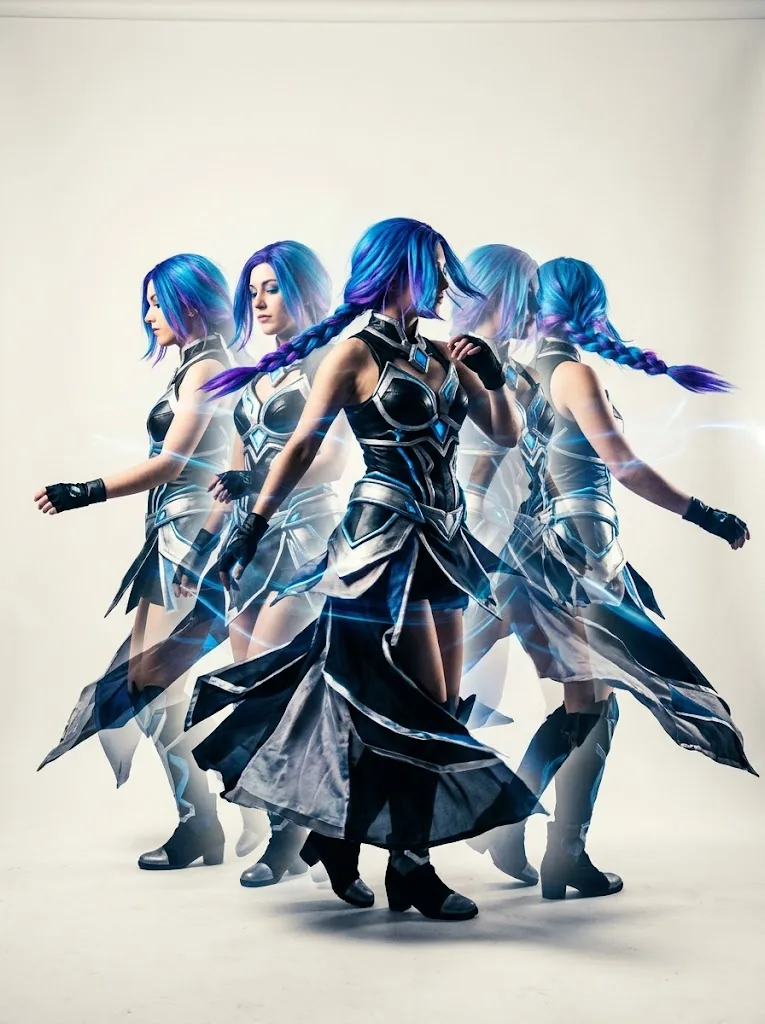
Drop fresh cosplay clips daily — dance trends, character reveals, transformations, and music edits that pop on the for-you page.

Cosplayers
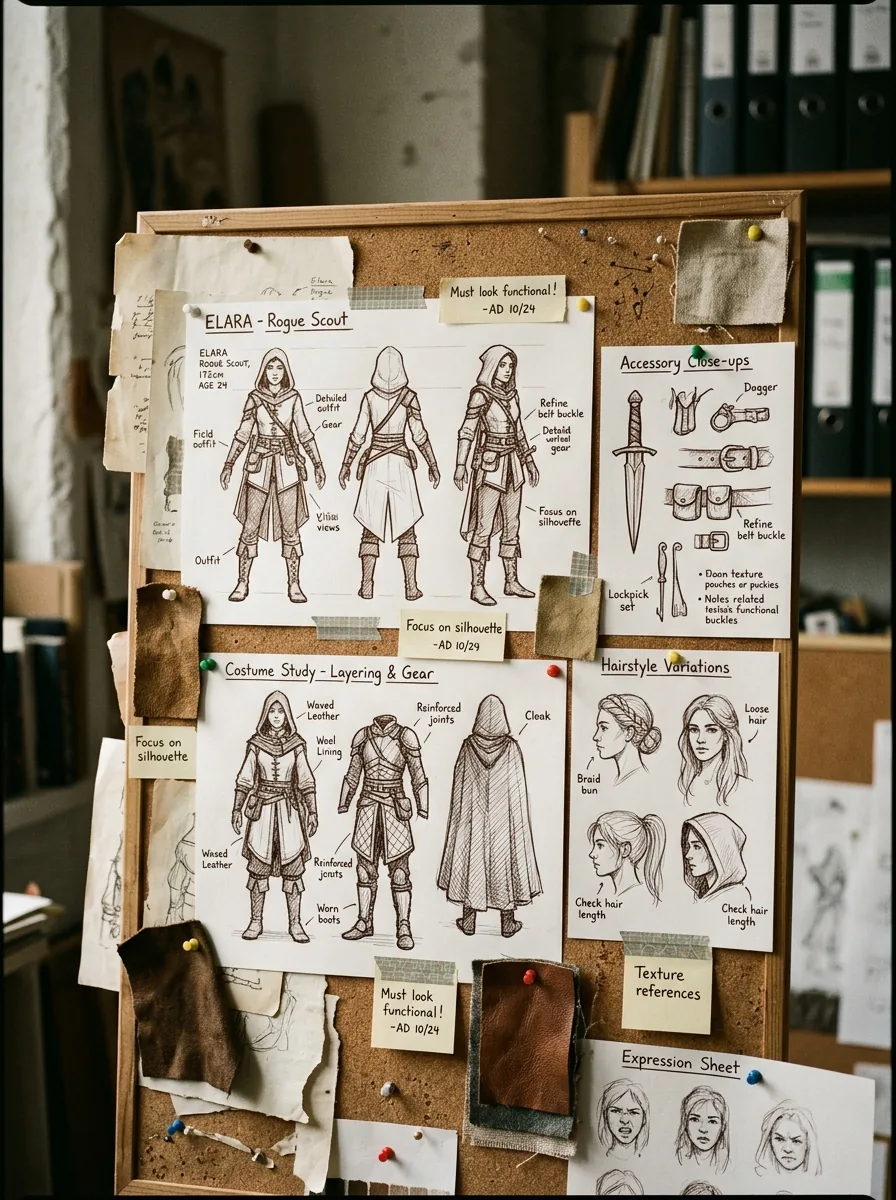
Test character ideas in minutes — silhouette, hair, color story, accessories — generate an AI cosplay video preview before committing weeks to a real-world build.

Streamers
Build a virtual cosplay model in one click. Use the rendered output as stream intros, scene transitions, or full vtuber overlays.
Direct answers about the generator, character library, motion control, pricing, and reel handoff. The AI cosplay video generator is designed for repeatable creator testing: use the AI cosplay video generator for the first short preview, use the AI cosplay video generator again after changing costume details, and keep the AI cosplay video generator prompt focused on one character, one motion, and one scene. A strong AI cosplay video generator workflow starts with face clarity, then character style, then camera movement, so every AI cosplay video generator result can become the seed for a longer reel.
For exact resolution caps, queue speed, and credit costs, check the live estimate inside the generator before committing to long renders.
Use the AI cosplay video generator in Seedance to test the character, approve the first clip, and chain shots when the cosplay direction is ready.