Selfie to Comic Generator

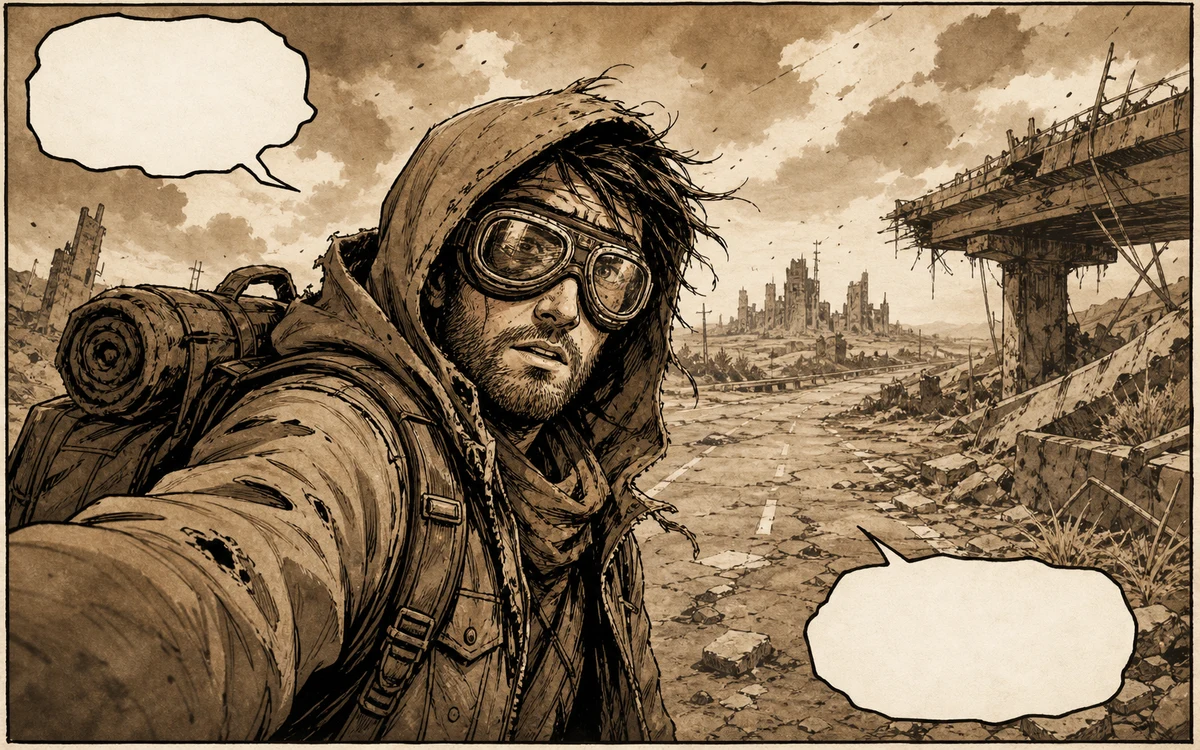
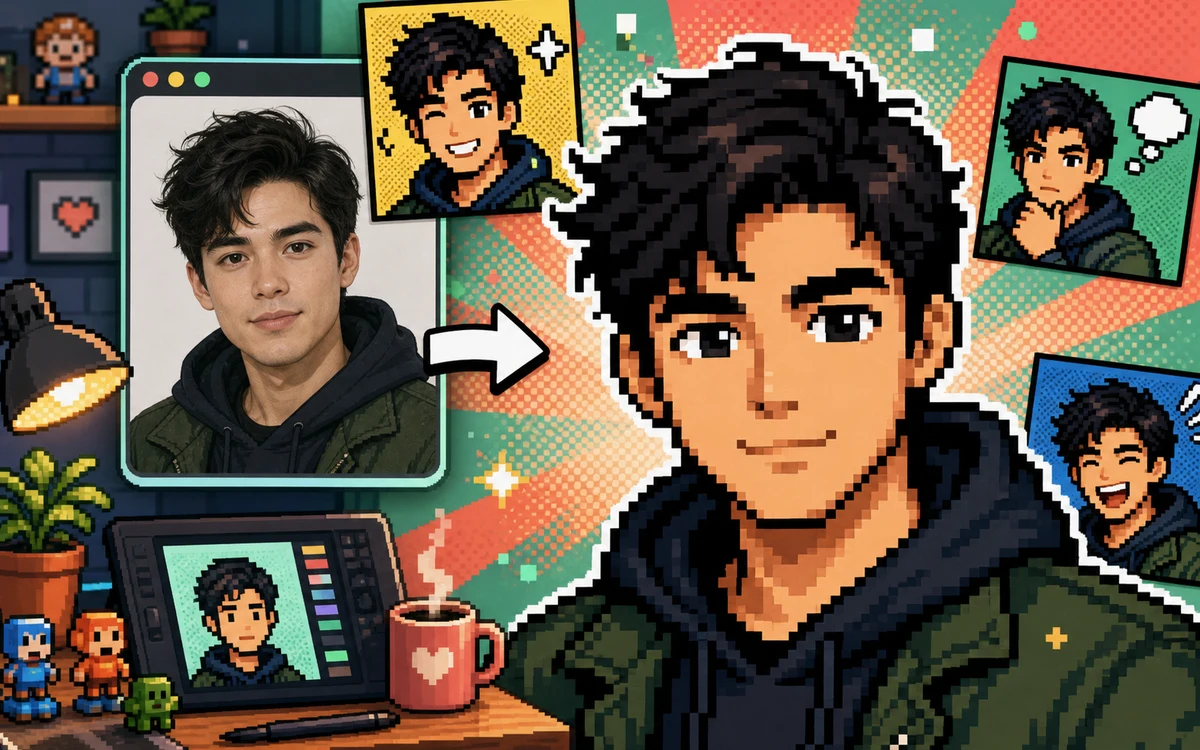
Drop a photo and Seedance redraws it as a comic illustration. Guide the output with a style prompt — the AI handles line art, shading, and panel composition for you.

Comic styles you can create with Seedance

Beyond the default comic look — switch genres by changing a few words in your prompt.

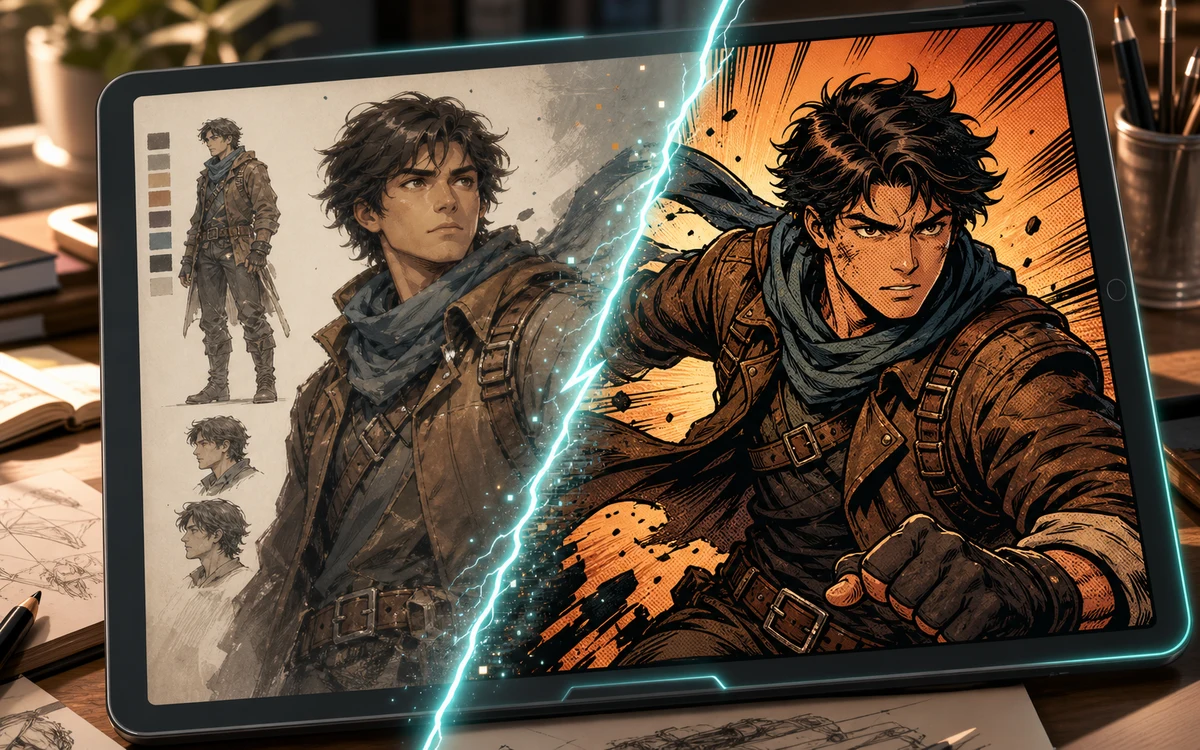
Character to comic conversion preview on a tablet with inked comic result

Pop Art Halftone

Turn a portrait into pop art comic style

Ask for bold Ben-Day dots, high-contrast flat color zones, thick black outlines, and a saturated Warhol-era palette. Works especially well with front-facing headshots and simple backgrounds.

Pop art comicHalftone portraitBen-Day dots
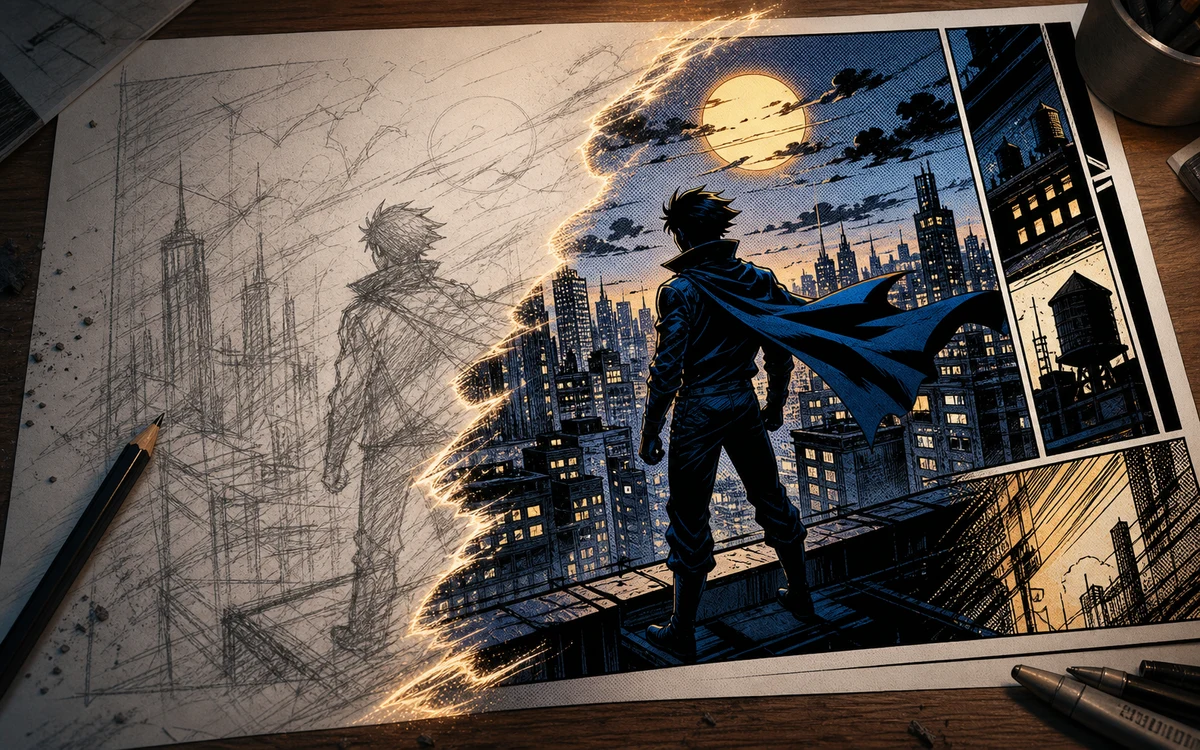
Sketch to comic conversion with pencil city scene becoming a finished panel

Ligne Claire

Redraw a photo in clear-line comic style

Go for uniform thin ink lines, flat even colors, no hatching, and a clean Tintin-style European bande dessinee look. Ideal for group shots and outdoor scenes.

Ligne claireClear lineEuropean comic
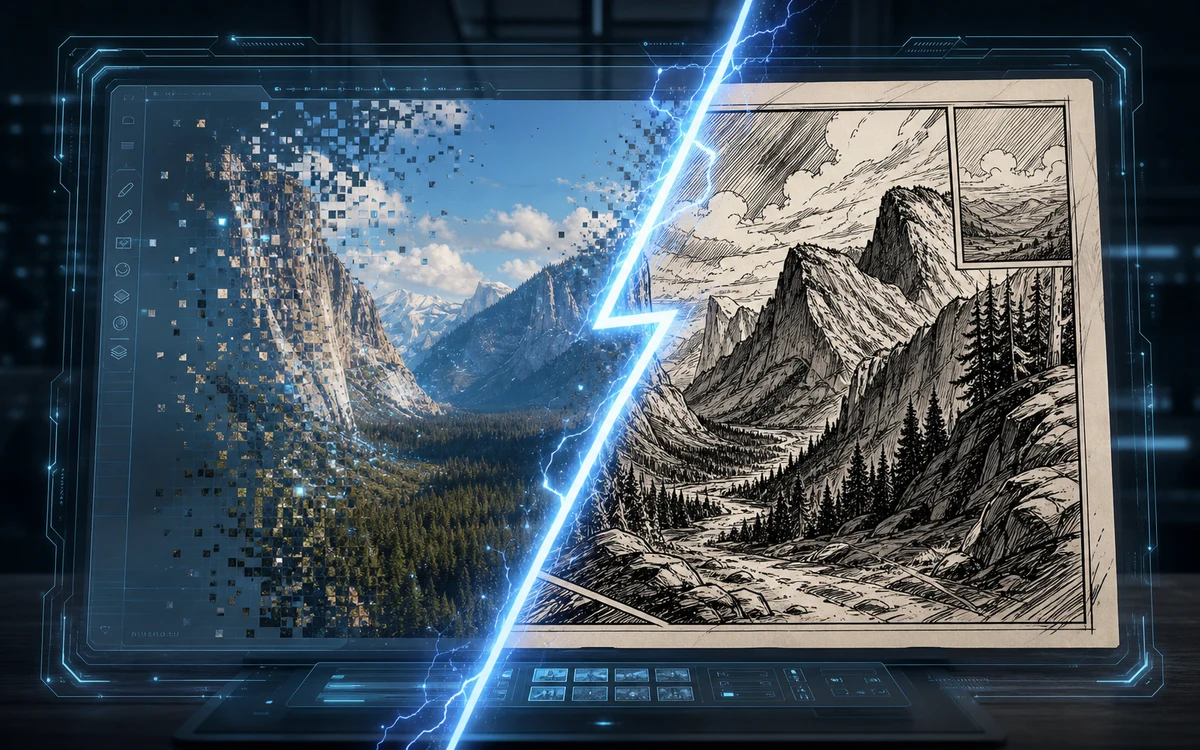
Screenshot to comic conversion with a digital photo becoming a hand drawn panel

Indie Zine

Give a photo the look of an indie comic zine

Prompt for rough scratchy ink, photocopied texture, limited two-color Risograph palette, hand-lettered energy, and a DIY punk-comic aesthetic.

Indie zineRisograph comicDIY comic
Workflow

How to turn a photo into a comic with Seedance

Four steps from upload to finished comic panel. Tweak the prompt to change the art style without restarting.

1

Upload your photo

Pick a selfie, portrait, group shot, or sketch. Clear lighting and an uncluttered background give the AI more to work with.

2

Name a comic genre

Tell Seedance which comic tradition to follow: pop art, ligne claire, indie zine, graphic novel, or newspaper funnies. Genre sets the visual rules.

3

Lock the subject details

In your prompt, list what must stay: face shape, glasses, hair color, clothing style, group arrangement. The AI preserves those while redrawing the rest.

4

Iterate on the art direction

Too clean? Ask for rougher ink. Too flat? Request gradient depth. Too busy? Tell it to simplify backgrounds and reduce detail density.

Comic style prompts to try with Seedance

Three prompt directions that produce visibly different comic results from the same source photo.

Seedance Selfie to Comic — FAQ

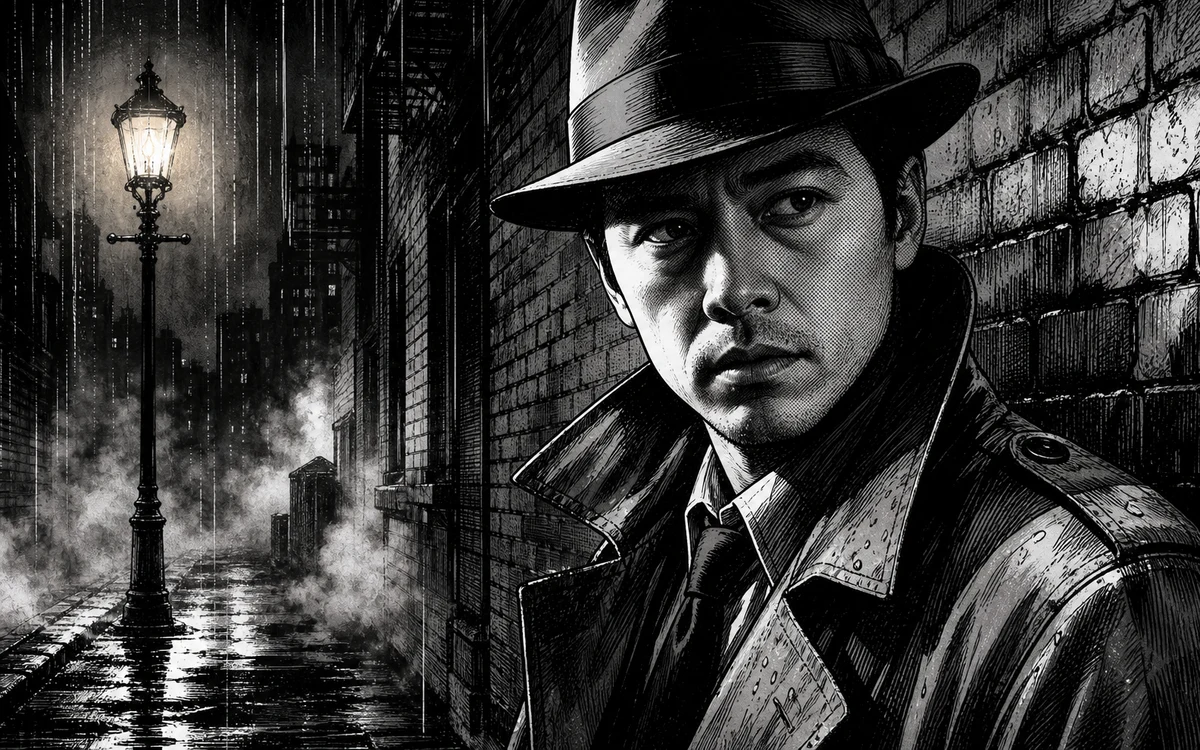
How Seedance turns photos into comic art and what you can do with the results. A strong selfie to comic result keeps the face recognizable while changing the line art, shading, background, and mood. Use selfie to comic for profile images, creator avatars, reaction panels, and story characters that start from a real photo. The selfie to comic prompt should mention the uploaded selfie, the desired comic style, the face angle, the emotion, and the background. If the first selfie to comic result feels too generic, ask the selfie to comic generator to preserve hairstyle, glasses, facial expression, and clothing colors more tightly. For brand use, selfie to comic outputs work best when every selfie to comic variation keeps a consistent palette and clean panel composition. Use selfie to comic as the core direction for each generation, and repeat selfie to comic in refinements when likeness matters. A selfie to comic workflow should compare the uploaded face with the finished comic portrait before choosing a final image.



Create a comic portrait with Seedance

Upload a photo, pick a comic genre, and let Seedance AI redraw it as a hand-drawn illustration.