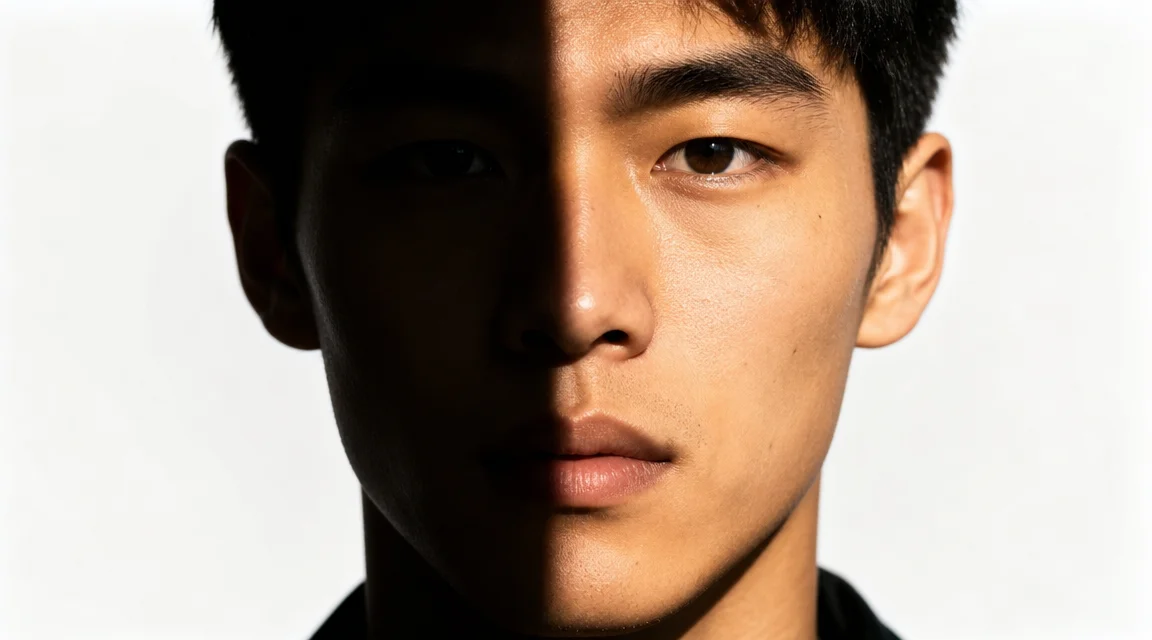
AI Photo Relight — Reshine Any Photo Instantly

A food photographer needed six hours to reshoot 50 product shots with uneven lighting. With this ai photo relight tool, each takes two minutes. Describe your photo and desired light source, and the model rewraps illumination around your subject. The result preserves shadows, highlights, and texture as if relit on set.

Real-world ai photo relight use cases with professional results

The ai photo relight tool works best when you understand real light behavior. A food photographer saved six hours of reshoot time. A portrait client got studio-quality headshots without renting strobes. Here is how each scenario translates into a relighting strategy.

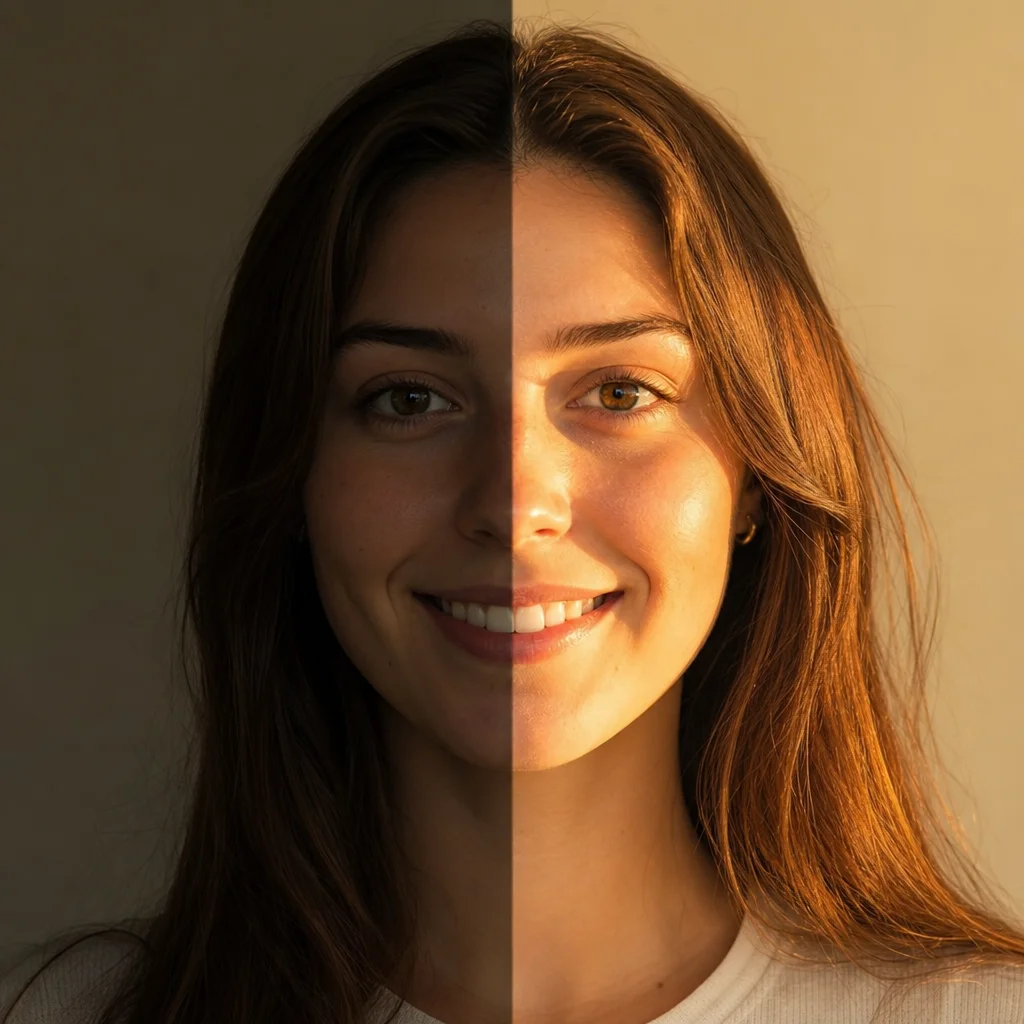
AI photo relight feature showing a product shot relit with warm directional window light

Catalog Reshoot Alternative

Food photographer saves 6 hours with ai photo relight batch workflow

A commercial food photographer needed to resubmit 50 product shots with too-cool lighting. Instead of renting a studio, she used the ai photo relight tool to apply warm window light to every image. Each took under two minutes. The client approved all 50. The ai photo relight preserved texture and shadows while shifting color temperature from 5000K to 3200K.

Batch relightWarm window lightNo reshoot cost
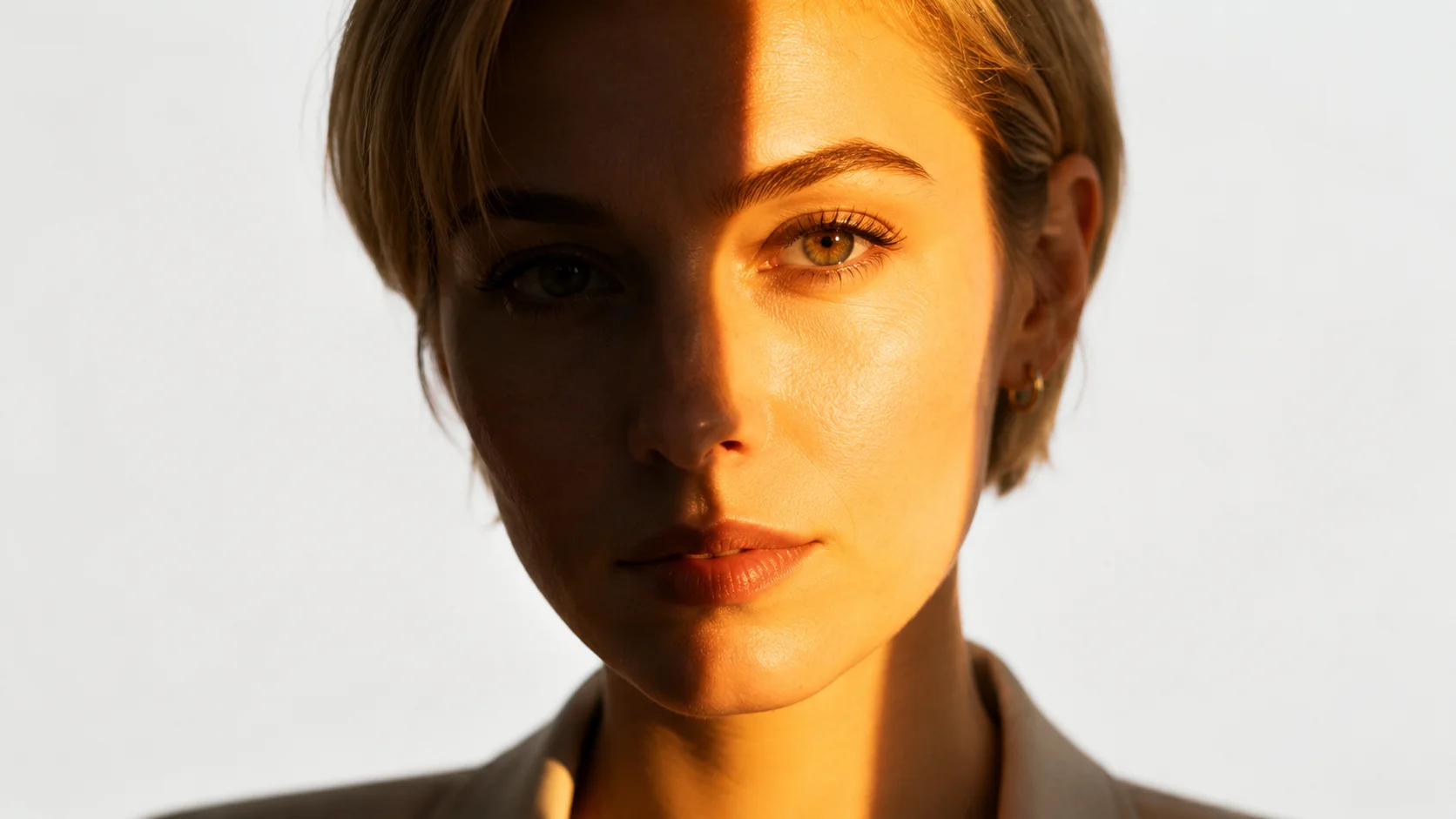
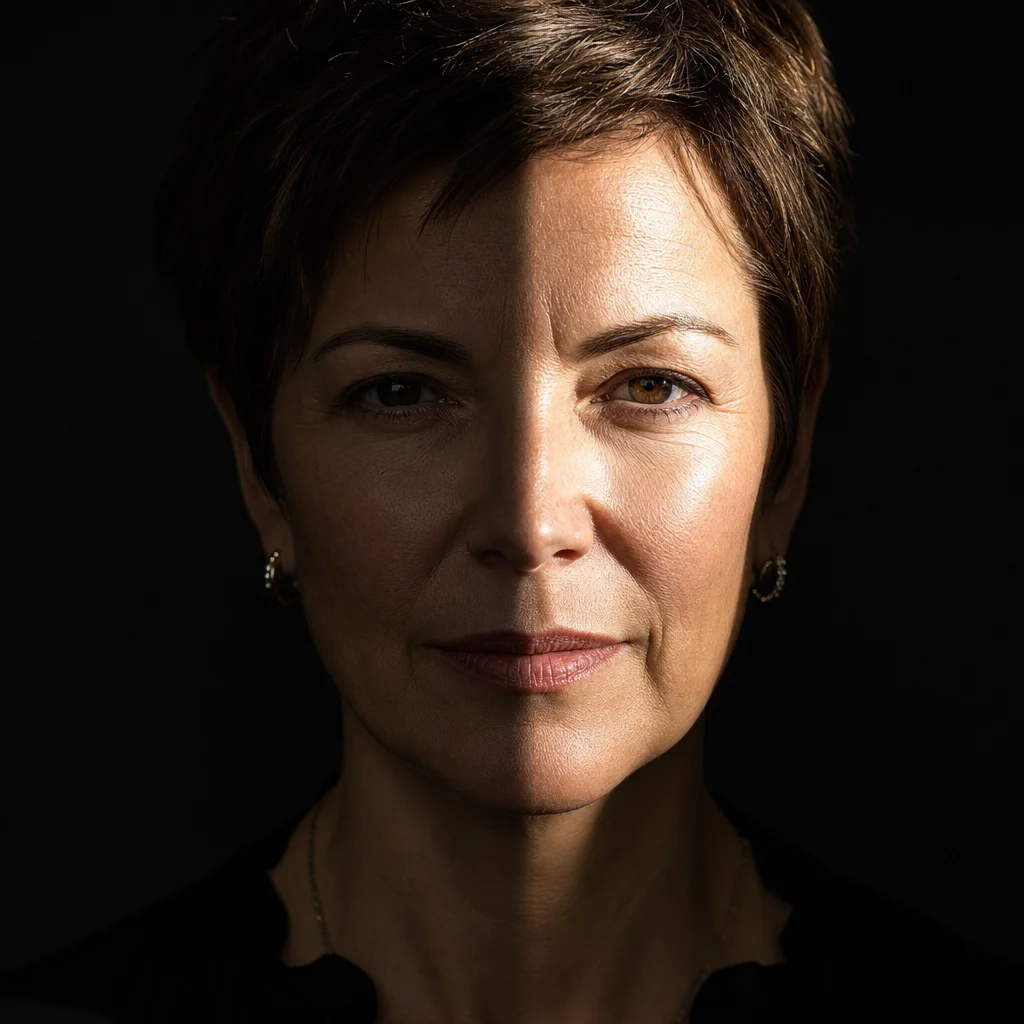
AI photo relighting feature showing a portrait relit with studio-style two-light setup

Portrait Client Results

Cinematic headshots from office lighting using ai photo relighting

A corporate portrait client had a headshot under a single overhead LED. She used the ai photo relighting tool to apply a two-light setup: soft key from upper right, rim from behind left. The result looked like a studio portrait with catchlights. The tool preserved her expression and background.

Two-light setupCatchlightsStudio result
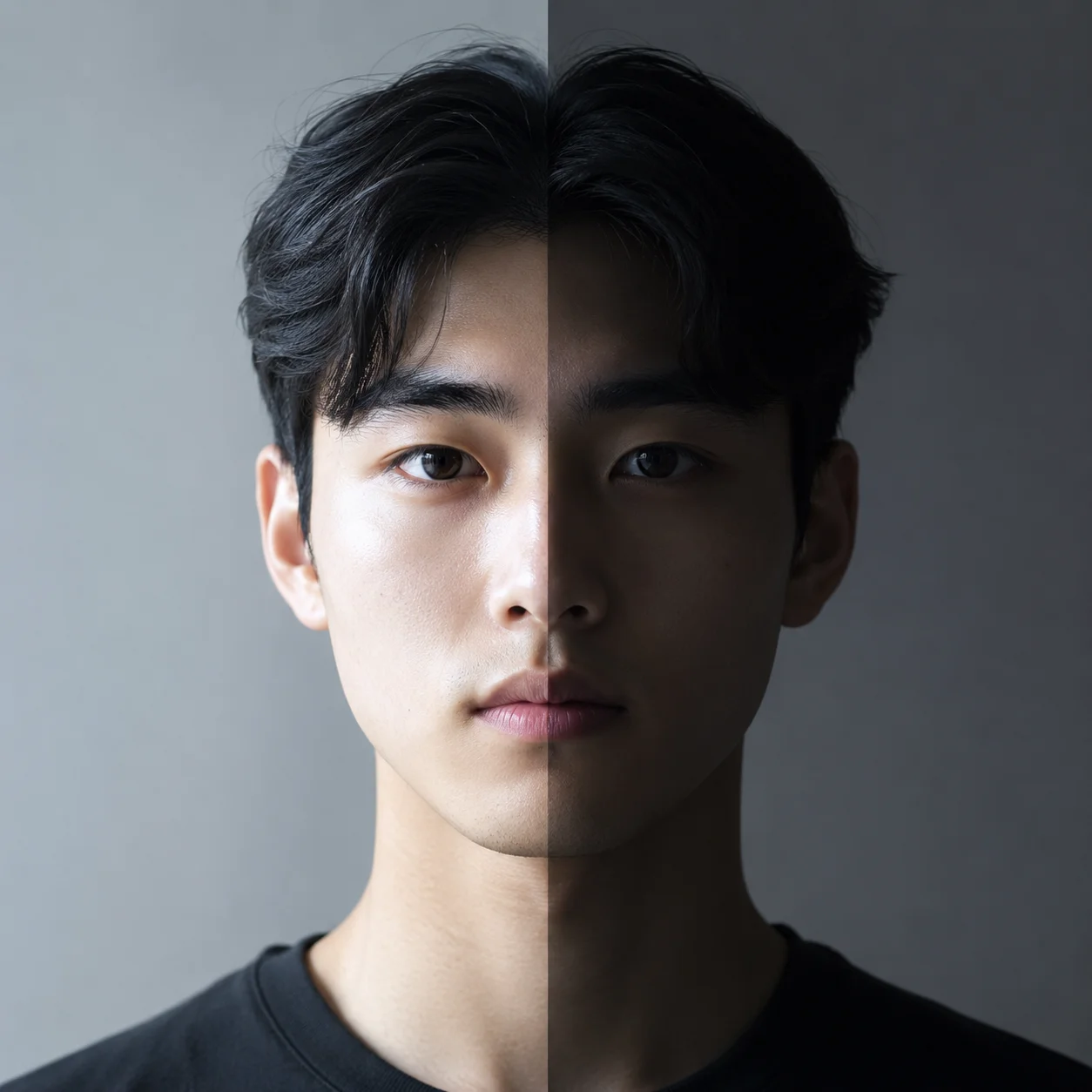
AI relight free photo online example showing e-commerce product with recovered depth and texture

E-commerce Depth Recovery

Product photos gain dimension with ai relight free photo online workflow

An e-commerce seller had 200 shoe photos taken with a ring light that removed all depth. Using the ai relight free photo online tool, she described each pair with directional light — sidelight for leather boots, backlight for translucent soles. The results showed creases and texture the ring light had washed out. Conversion rates improved by 18 percent.

Ring light fixDepth recoveryConversion lift
Case Study Workflow

How to use the ai photo relight tool in four steps

A real estate photographer used this workflow to relight 120 interior photos shot under mixed lighting — tungsten, LED, daylight. Instead of color-correcting each one, he ran them through the ai photo relight tool with consistent warm daylight. The client received a unified gallery in under two hours.

1

Describe the original photo lighting

Tell the ai photo relight tool what light is in your photo. Overhead fluorescent, ring light, or tungsten lamp? A real estate photographer added the mixed light details so the model understood the starting point.

2

Pick the ideal light source for your scene

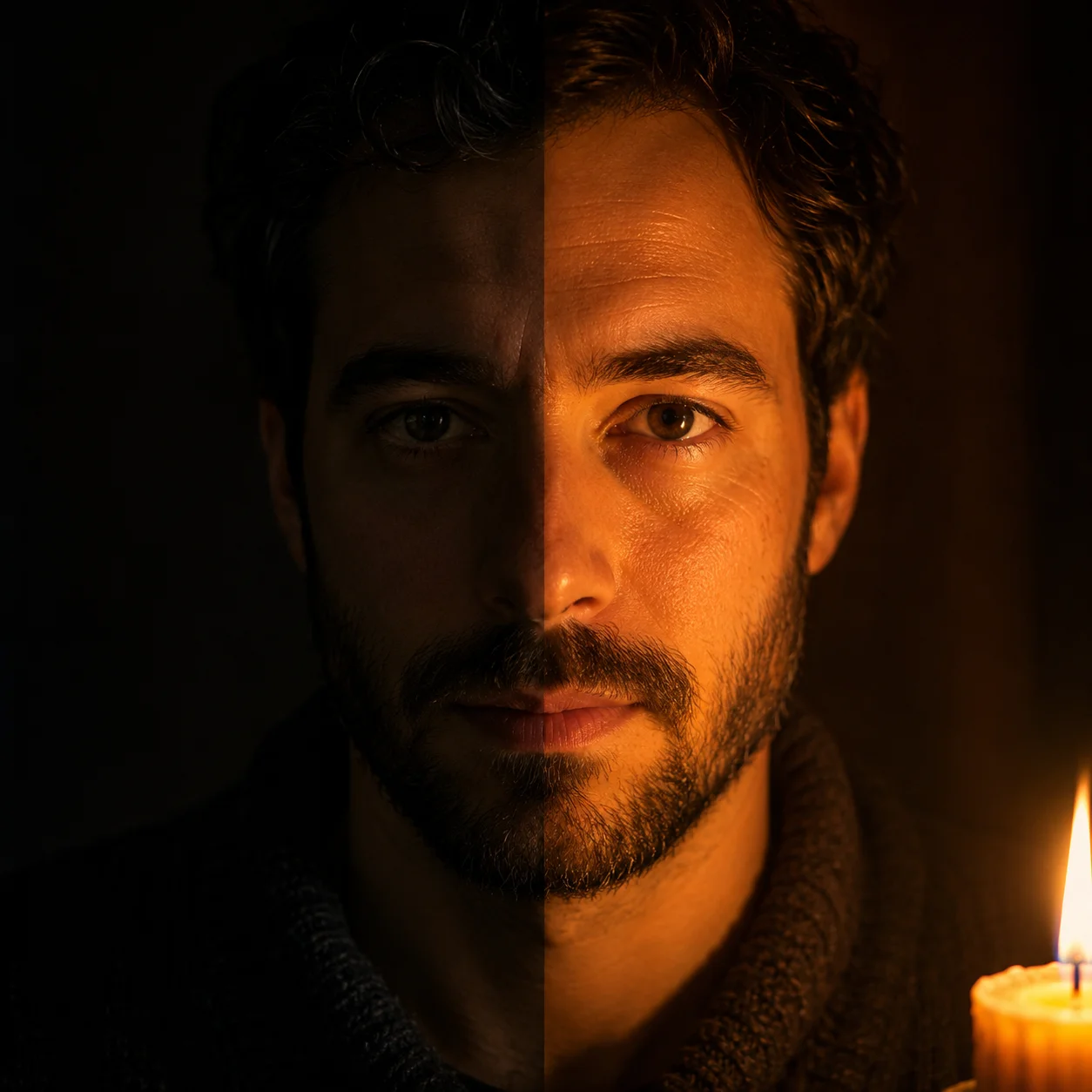
Decide which light to apply. Warm window light for a cozy interior. A single spotlight for dramatic product shots. Candlelight for romantic portraits. Golden-hour backlight for outdoor scenes. A product photographer chose dramatic sidelight with hard shadows.

3

Set direction and quality

Tell the relight photo ai free tool where the light comes from — left, right, above, behind — and whether it is hard or soft. A portrait client described 'soft key light from upper right at 45 degrees' and the model respected every angle.

4

Generate and review the single output

The ai photo relight tool generates one relit version. Check shadows, highlights, and composition. If adjustment is needed, refine the prompt with more specific angle or color temperature details.

Ai photo relight showcase — real scenarios, real results

These ai photo relight prompts show how the tool handles different lighting challenges. Each example is based on a real request and can serve as a template for your workflow.

AI Photo Relight — Use Case FAQ

Common questions about using the ai photo relight tool for free, login requirements, supported lighting types, and commercial use.


Try the ai photo relight tool now

Transform flat, poorly lit photos into professionally lit images with the exact light source you need. Describe your original lighting, choose the new direction, and get a single relit result in seconds. No studio or reshoot needed.