

Campaign Creators
Keyframe-to-video campaign sequences
Turn a product photo sequence into a frame to video AI campaign ad with smooth transitions, brand-consistent pacing, and polished motion.
CampaignKeyframeAd sequence
Create a video sequence from start and end frames using a frame to video AI generator. Set your keyframes, describe the transition, and generate a polished campaign clip with smooth narrative flow.
A strong frame to video AI sequence should feel like a narrative, not a slideshow. Seeda helps campaign builders grow the look around keyframe transitions, smooth pacing, visual consistency, and quick motion that reads instantly on TikTok, Instagram Reels, and YouTube Shorts.
Upload start and end frames as your campaign seeds, then animate them with frame to video AI, smooth transitions, and controlled pacing.
Start from text when you need a new frame sequence idea for TikTok, Instagram, or Shorts before choosing your keyframe images.
Default 9:16 output keeps the subject centered for mobile feeds, frame reveals, product showcases, and fast campaign edits.
Use frame to video AI to create consistent visual narratives for ad campaigns, product launches, and branded content.
Most searches for frame to video AI are looking for a simple way to turn still images into animated video sequences without complex editing. They want smooth transitions, preserved subject identity, and quick results for social content, including frame to video AI free trials.
Build a frame to video AI prompt from four parts: source frames, transition direction, motion settings, and output format.
Use this frame to video AI workflow when you want a smooth keyframe transition for TikTok, Instagram Reels, or YouTube Shorts.
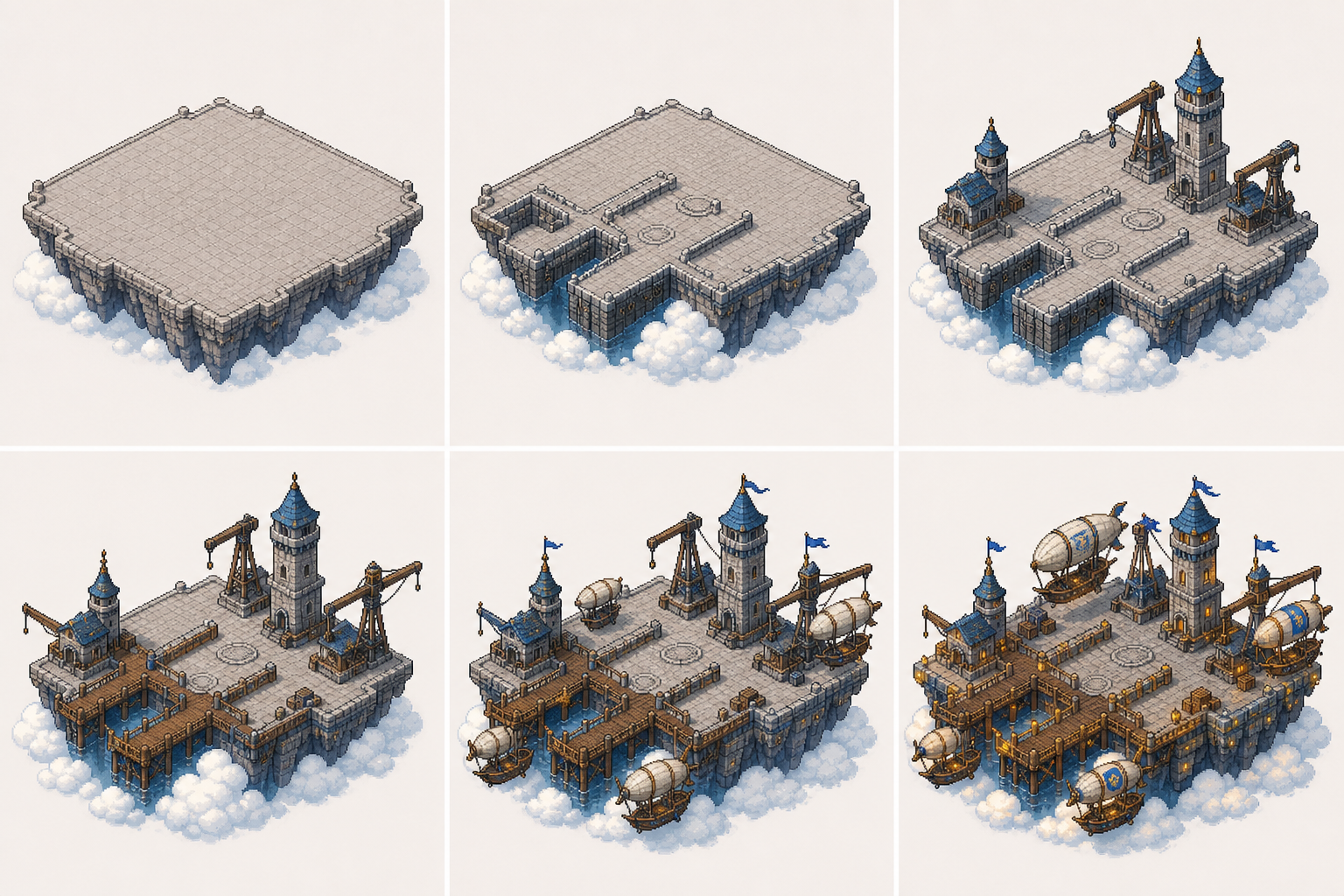
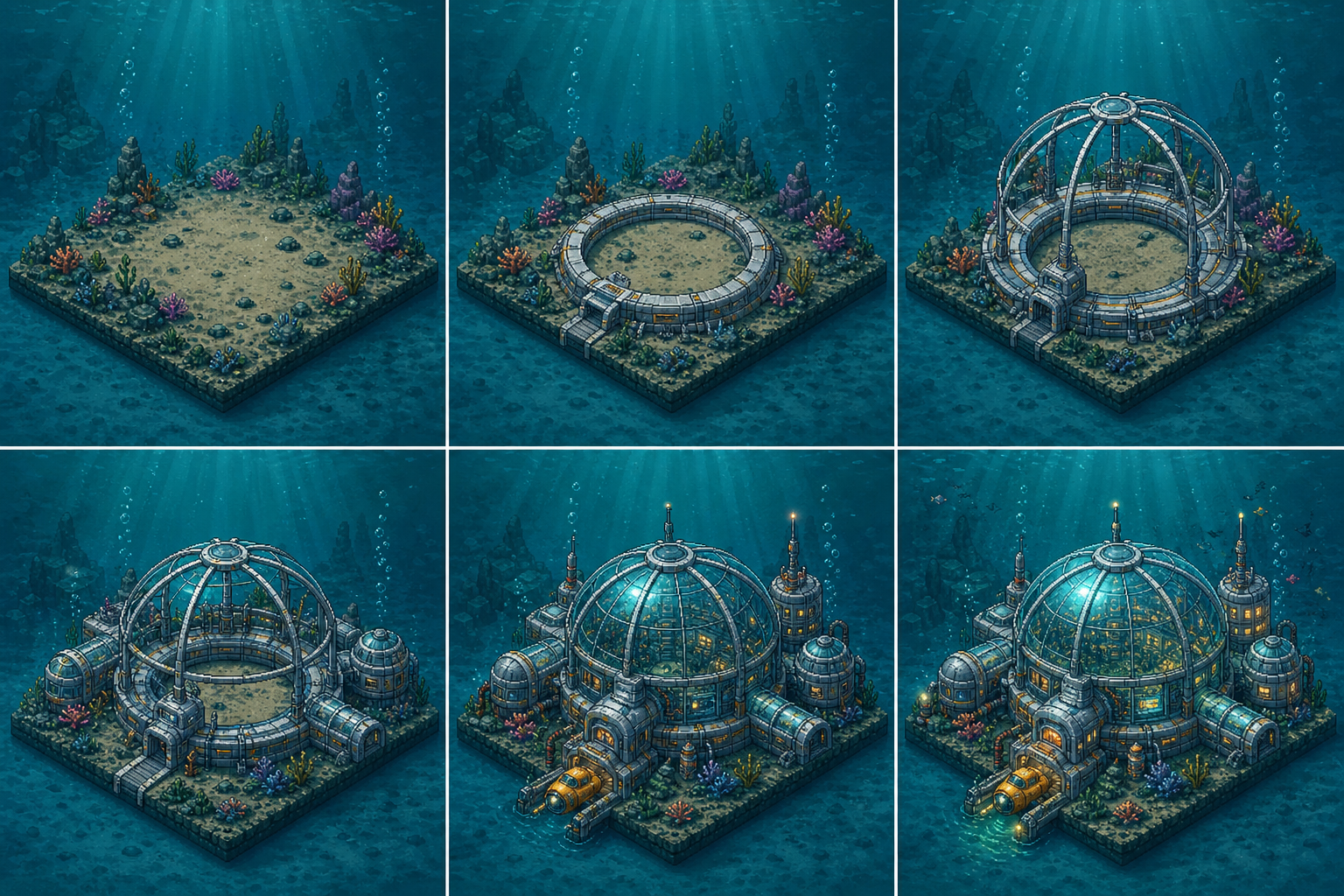
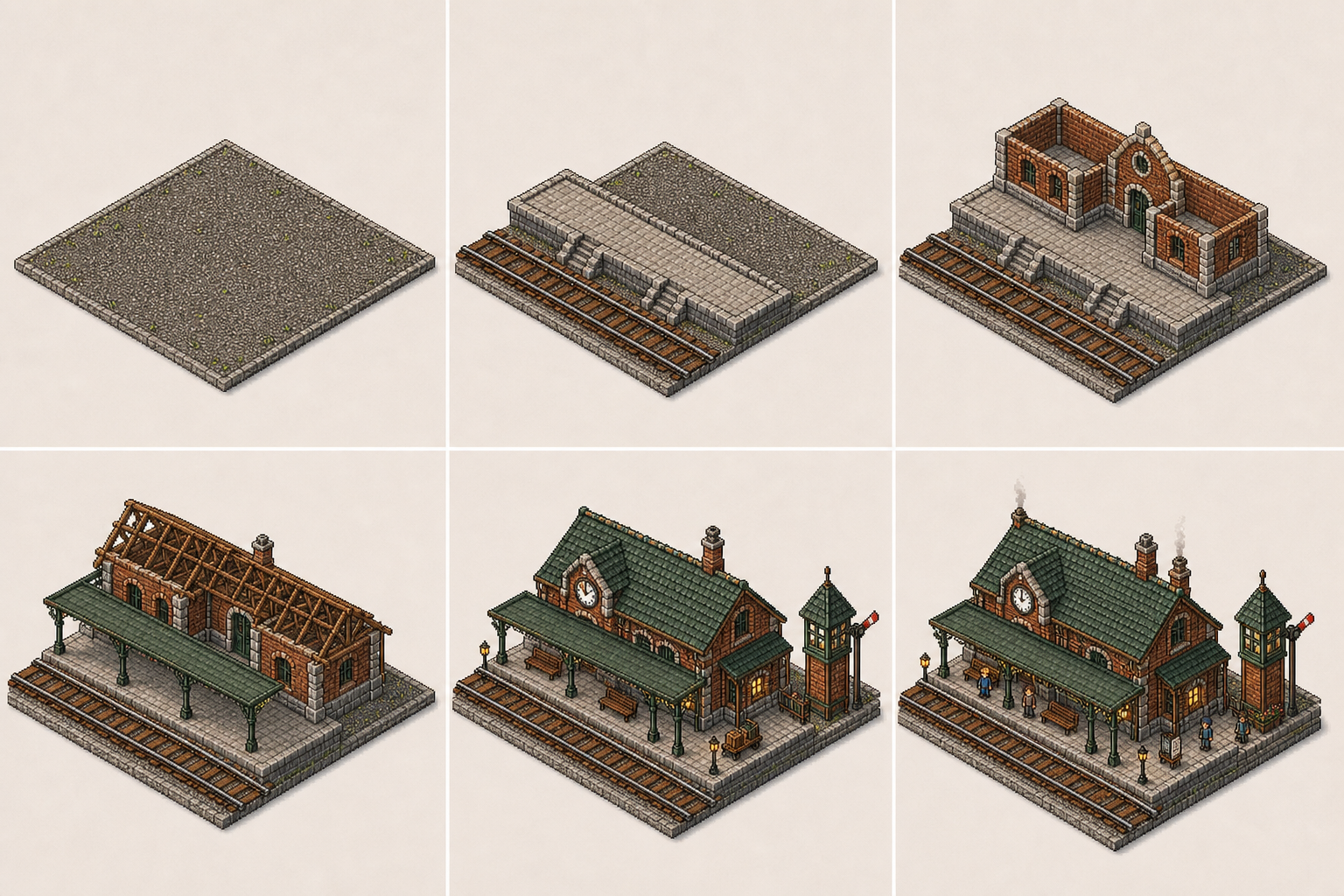
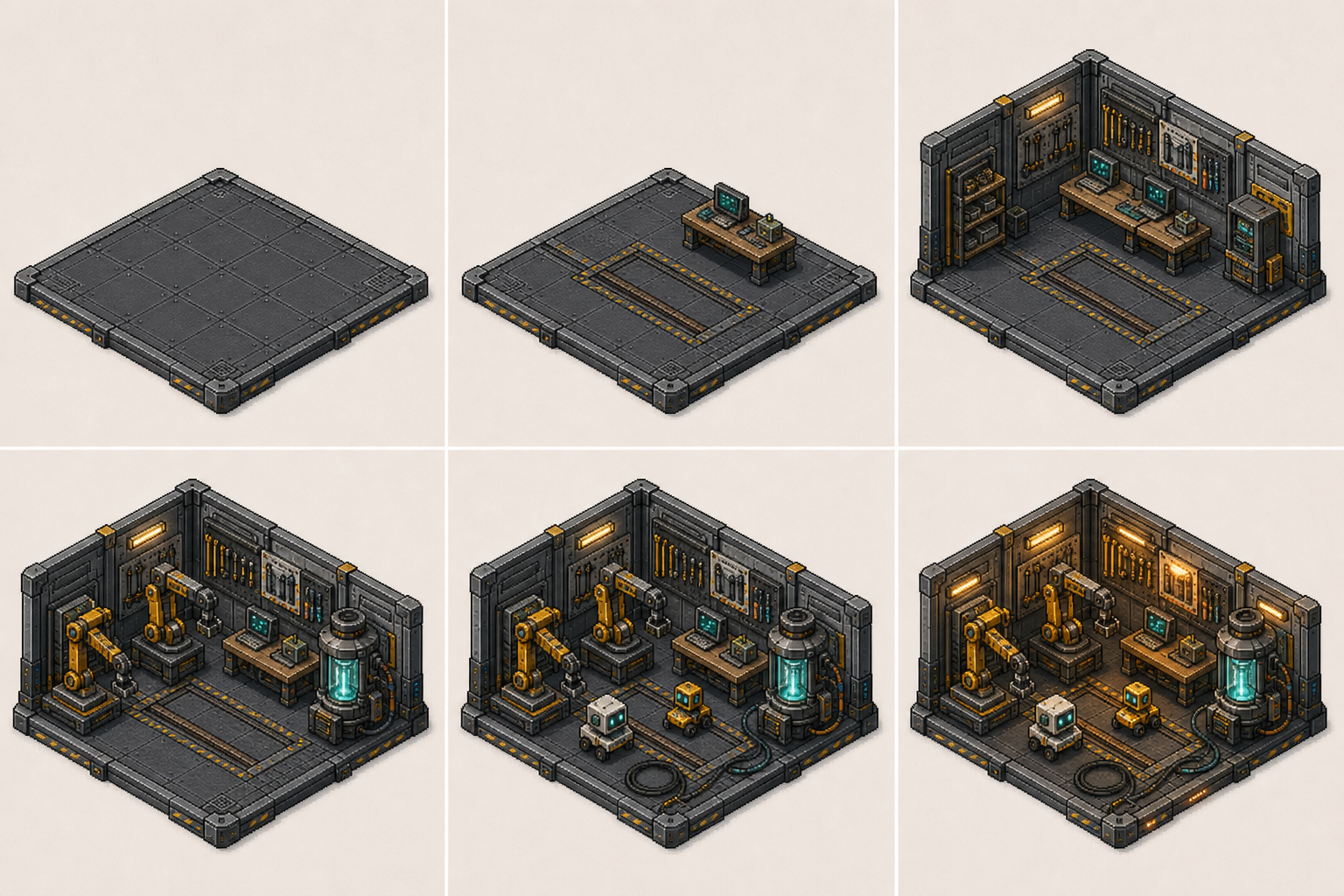
Select 1-4 images as your sequence keyframes. Frame to video AI uses these as the beginning, middle, and ending visual anchors.
Mention the transition style, camera movement, pacing, and emotional tone you want between frames, especially for frame to frame AI video continuity.
Select your target aspect ratio: 16:9 for widescreen, 9:16 for vertical social, or square for posts.
Render the frame to video AI sequence, review the transitions, then export for campaign distribution across social platforms.
The best frame to video AI sequences are made for quick campaign context: a strong first frame hook, smooth intermediate transitions, and a clear final frame that drives action.
Campaign Creators
Turn a product photo sequence into a frame to video AI campaign ad with smooth transitions, brand-consistent pacing, and polished motion.

Social Media Teams
Create a frame to video AI edit with clean keyframe reveals, smooth motion between frames, and enough visual rhythm for captions and music overlays.

Content Studios
Use the free ai frame to video generator as a rapid prototyping tool for video concepts: sketch your keyframes, generate the transitions, and preview the narrative flow before full production.
Answers to common questions about creating frame to video AI sequences with start and end frame keyframes using Seeda's sequence maker.
Feed your start and end frames into the sequence maker with a campaign prompt and build smooth frame to video AI content for social platforms.