Story Seeding
Plant story beats that grow into panels
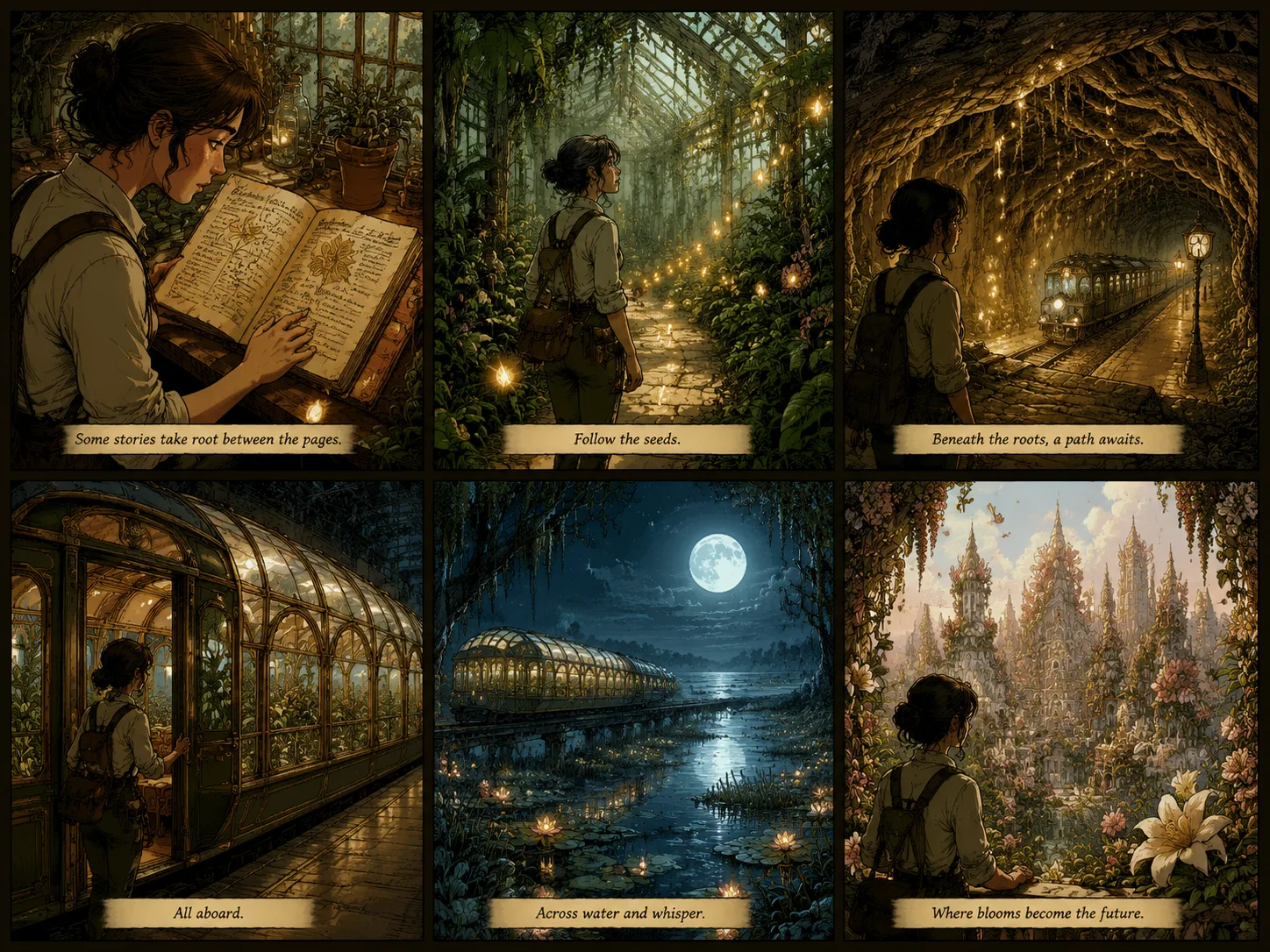
For novel to comic or book to comic seeds, break the action into three to six beats, each with a distinct angle and emotional shift. The clearer the seed, the stronger the comic page.
Seed comic panels from a story prompt, scene idea, book excerpt, or video summary with GPT Image 2.

Great comic seeds combine story structure, visual style cues, and panel rhythm. Plant the right prompt and watch your comic grow.

Story Seeding
For novel to comic or book to comic seeds, break the action into three to six beats, each with a distinct angle and emotional shift. The clearer the seed, the stronger the comic page.

Source Sprouting
For url to comic, webpage to comic, or youtube to comic seeds, summarize the source first, then sprout the main idea into a storyboard page with GPT Image 2.

Style Cultivation
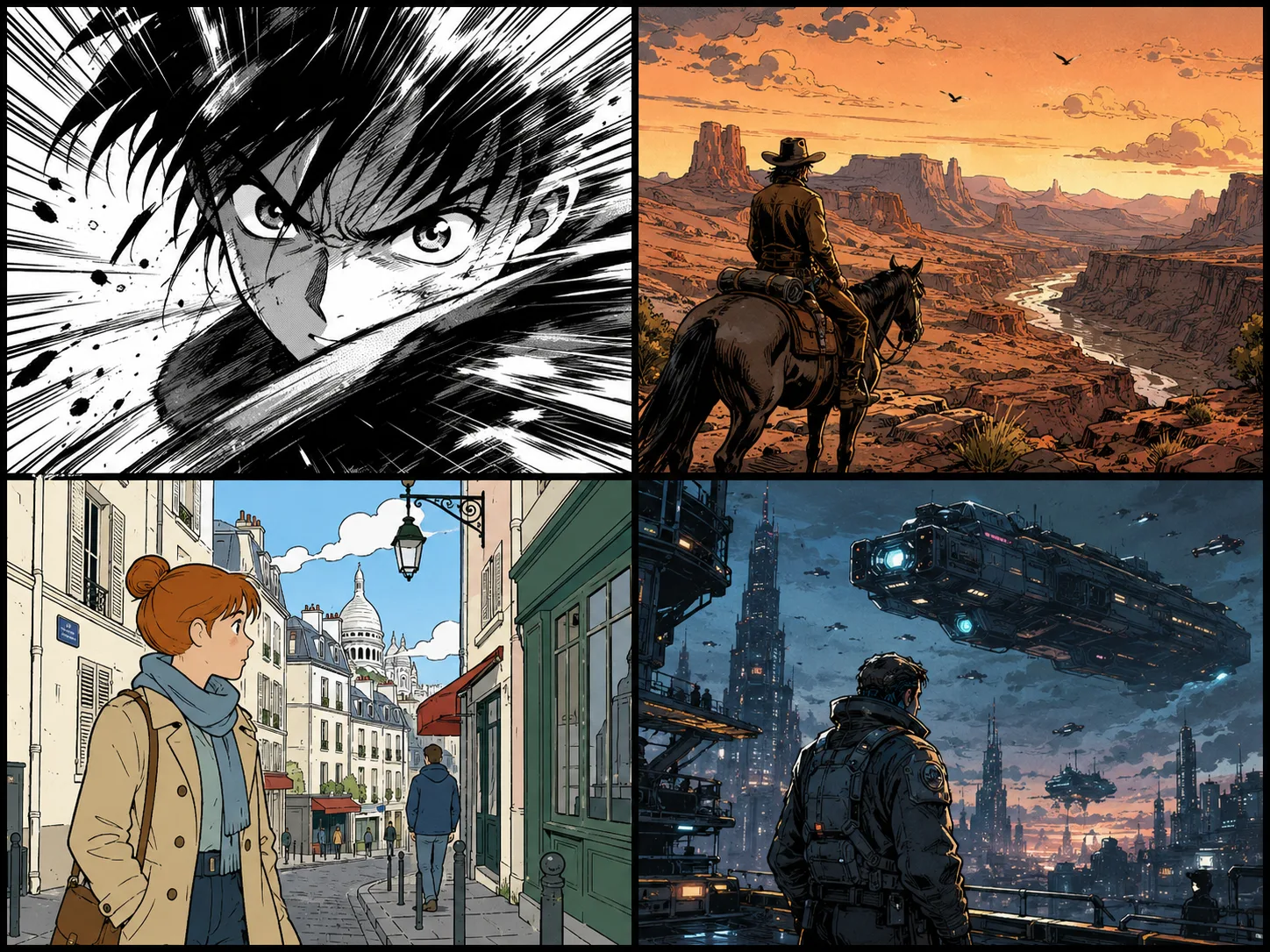
Black-and-white manga, warm western ink, clean ligne claire, or cinematic graphic novel — each style needs different seed cues for line weight, color, and panel rhythm.
Plant a story seed with enough structure for GPT Image 2 to grow a full comic layout instead of a single image.
Start with the prompt, novel excerpt, book scene, webpage summary, or YouTube recap you want to grow.
Request a single splash panel, four-panel strip, storyboard grid, or full comic page layout.
Name the mood, line style, color palette, camera angles, and caption limits to help the comic bloom.
If the result is too crowded, reduce the panel count or ask for fewer words and cleaner silhouettes.
Plant these seed directions when you want a specific comic layout or adaptation to grow.

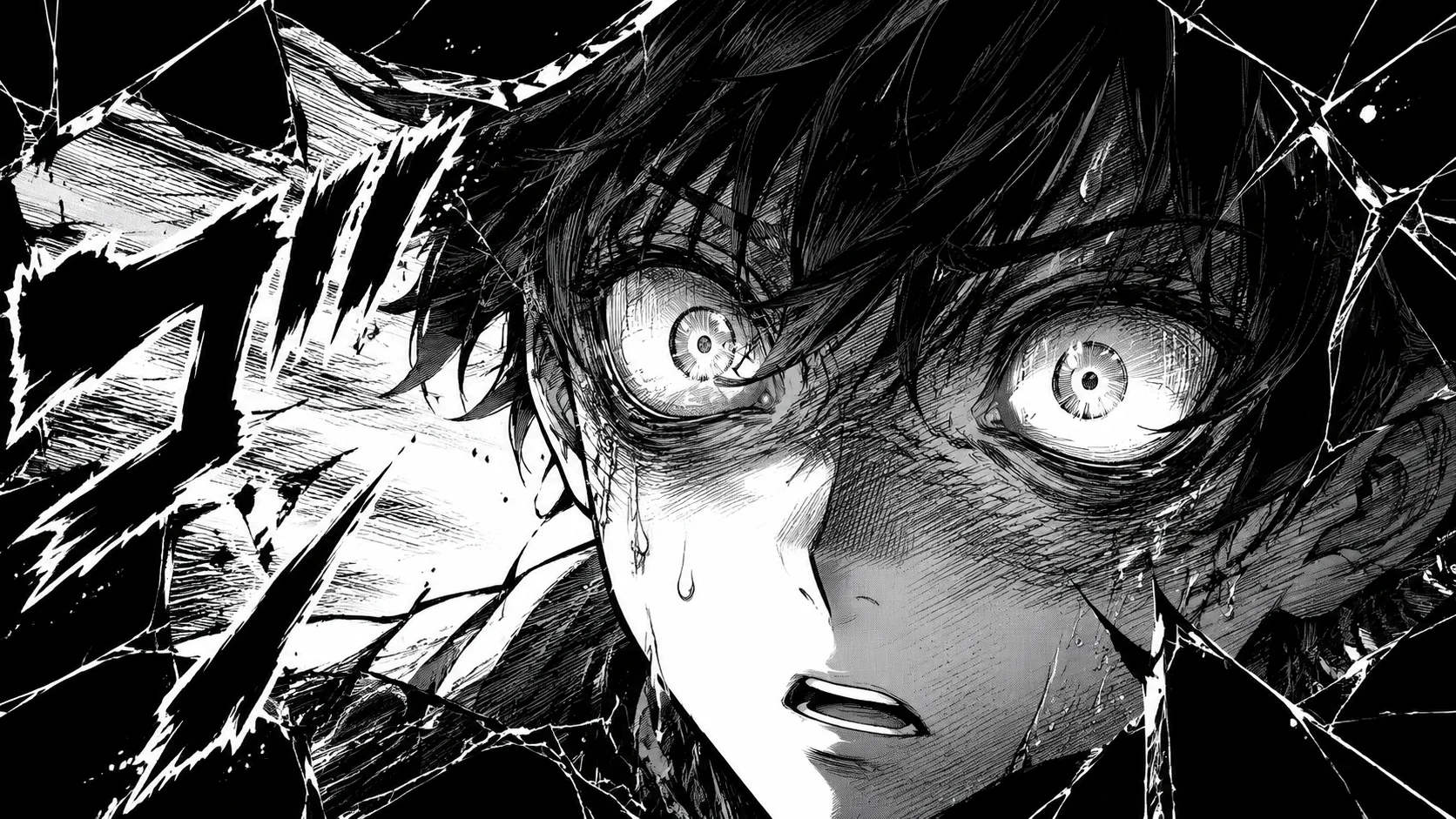
Seed a dramatic black-and-white close-up with speed lines, sweat drops, broken panel borders, and one short sound effect.

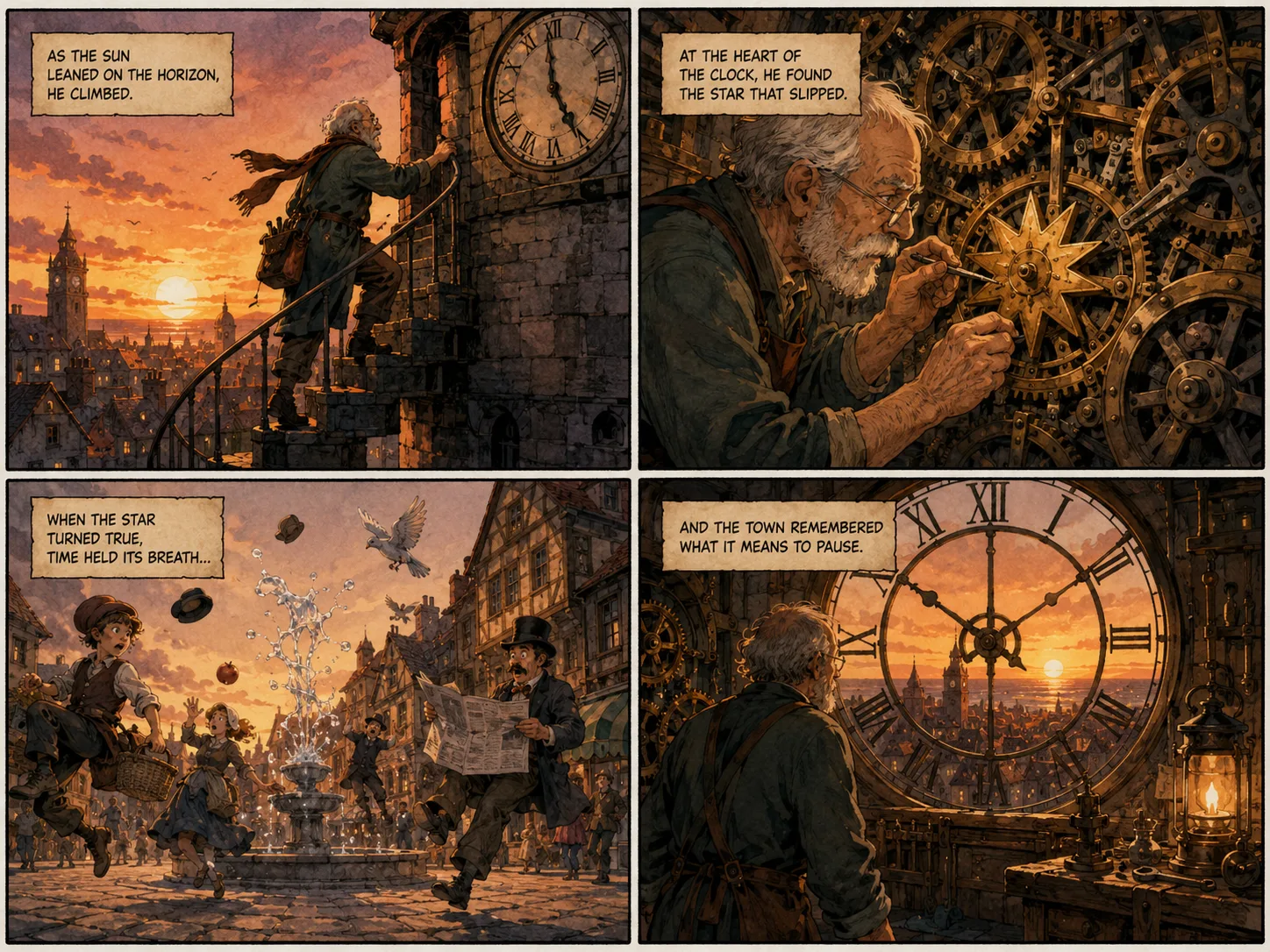
Plant one paragraph and grow a four-panel page with captions, establishing shot, character close-up, action beat, and reveal.

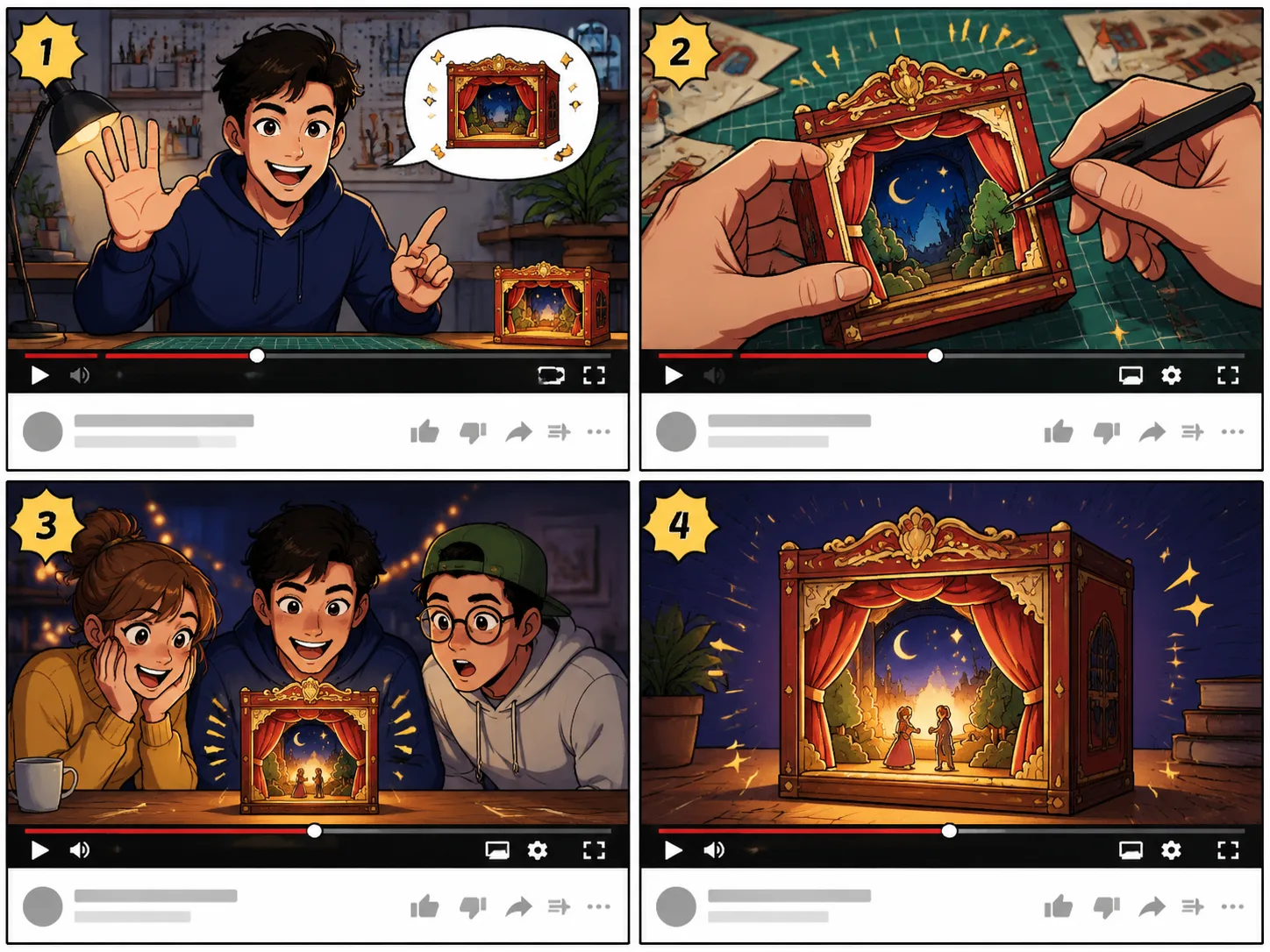
Summarize a video concept and grow it into an intro panel, key demo panel, audience reaction, and final takeaway frame.
Common questions about seeding comic panels from prompts, stories, and text sources. A reliable prompt to comic workflow starts with one clear story beat, then uses prompt to comic directions for panel count, character emotion, camera angle, caption length, and visual style. Use prompt to comic when a webpage, scene note, or book idea needs to become a readable comic page instead of a single illustration. The prompt to comic generator works best when the prompt to comic request asks for one finished comic page with simple captions and no long text blocks.

Plant a story idea, book scene, webpage summary, or video concept and watch it grow into a comic image with GPT Image 2.