Seedance 2.1 Video Generator

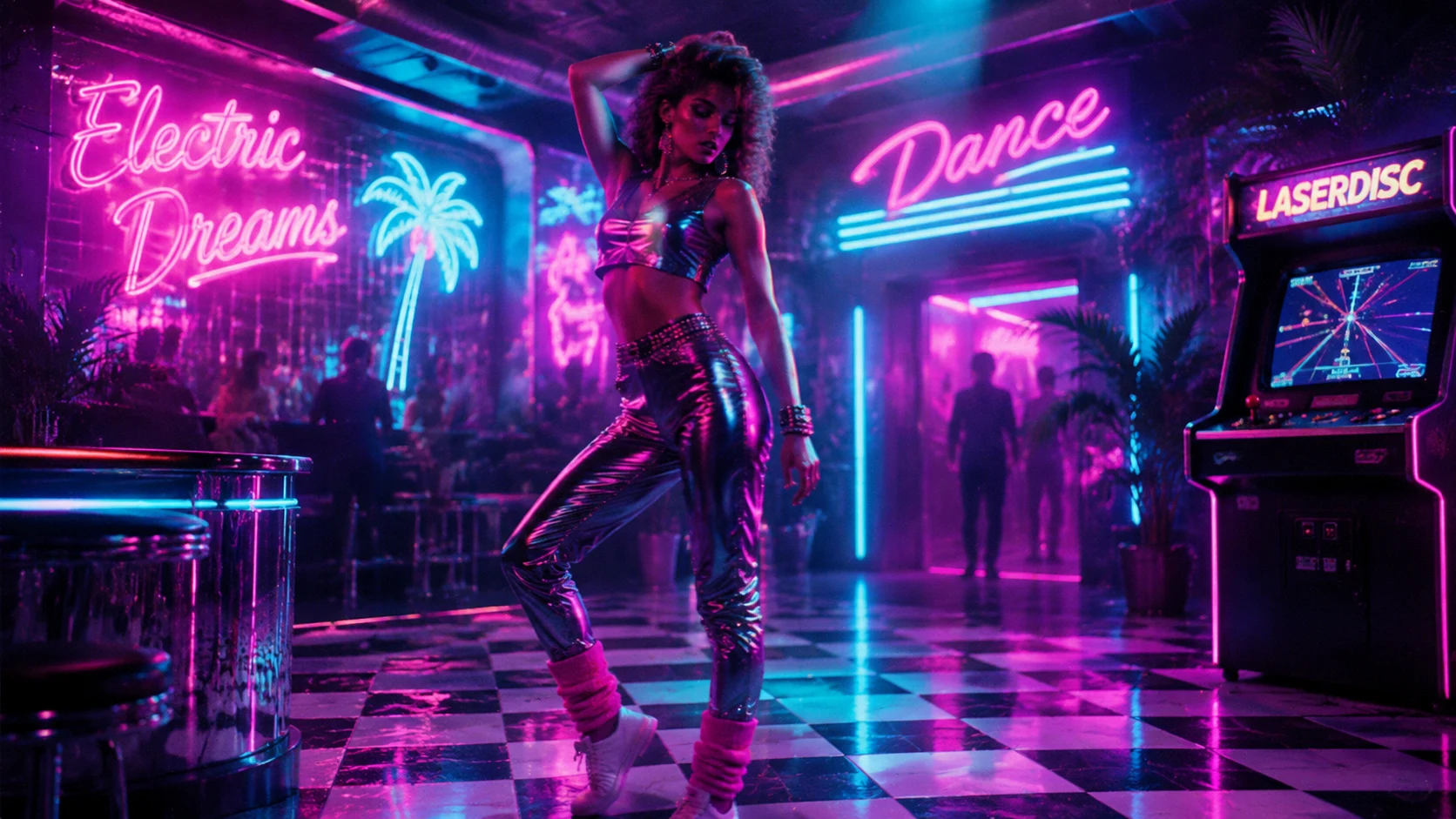
Create a Seedance 2.1 style video draft from an image or text prompt. The generator produces polished 80s-inspired video clips using neon rim lighting, warm sunset gradients, chrome reflections, and smooth camera motion — all without collage-style preview artifacts.

How to write Seedance 2.1 prompts that look intentional

The Seedance 2.1 generator works best when the prompt keeps a tight visual brief. Treat the input as one film frame and describe how that frame should move. The page images use a dance and performance art direction because movement, lighting, and atmosphere are natural to animate without looking like an AI collage.

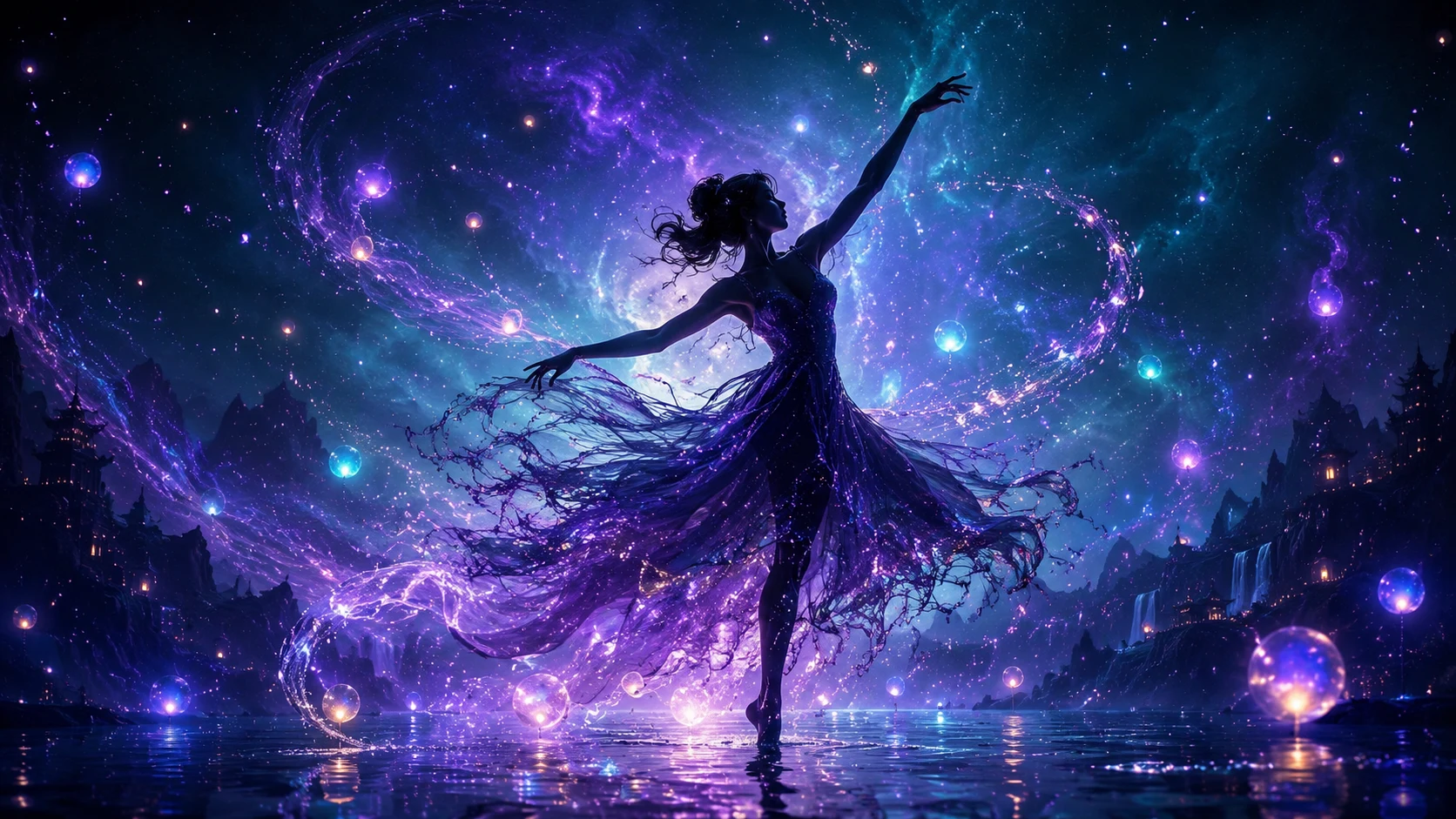
seedance 2.1 fantasy dancer with magical particle sparkles ethereal glow

Source Frame

Start from a strong source frame

For Seedance 2.1 image-to-video, begin with a clean source image that already has the composition, lighting, and subject you want. A fantasy dancer frame with magical particles works well because the sparkle effects give the generator organic motion signals.

Clean sourceCompositionLighting cues
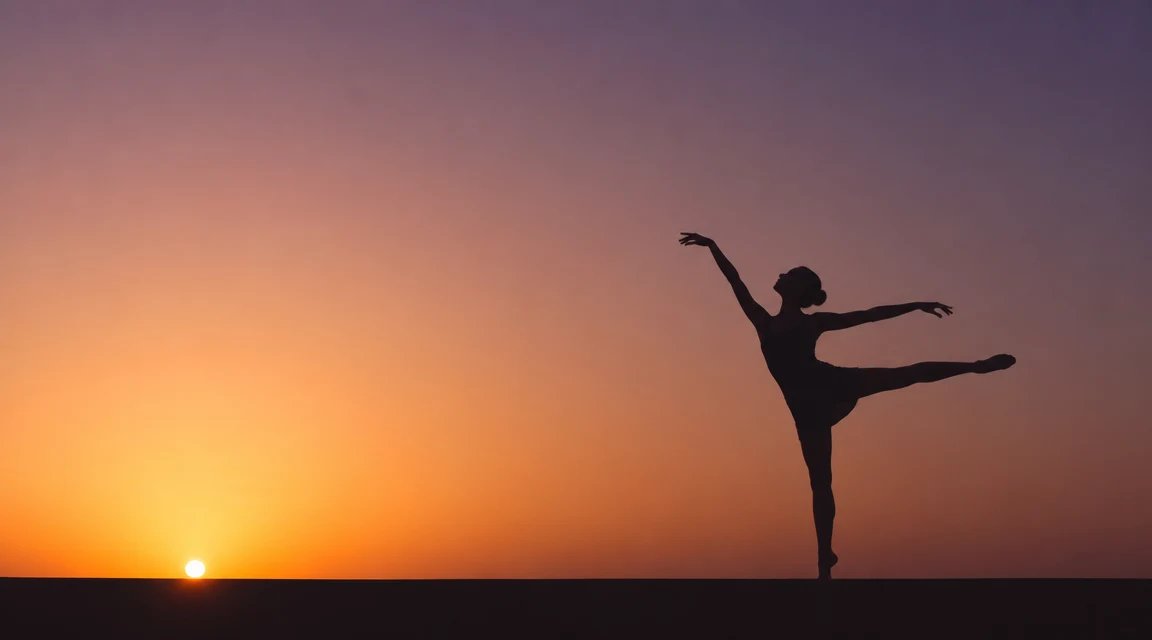
seedance 2.1 minimalist silhouette dancer warm sunset gradient clean lines

Camera Motion

Name the camera movement

A Seedance 2.1 prompt should specify slow push-in, lateral drift, gentle orbit, crane rise, or a locked frame. A minimalist silhouette dancer against a warm sunset benefits from a slow push-in that reveals the clean outline.

Camera pathCamera motionSilhouette framing
seedance 2.1 dancer with flowing fabric and warm outdoor lighting effects

Scene Motion

Add environmental motion

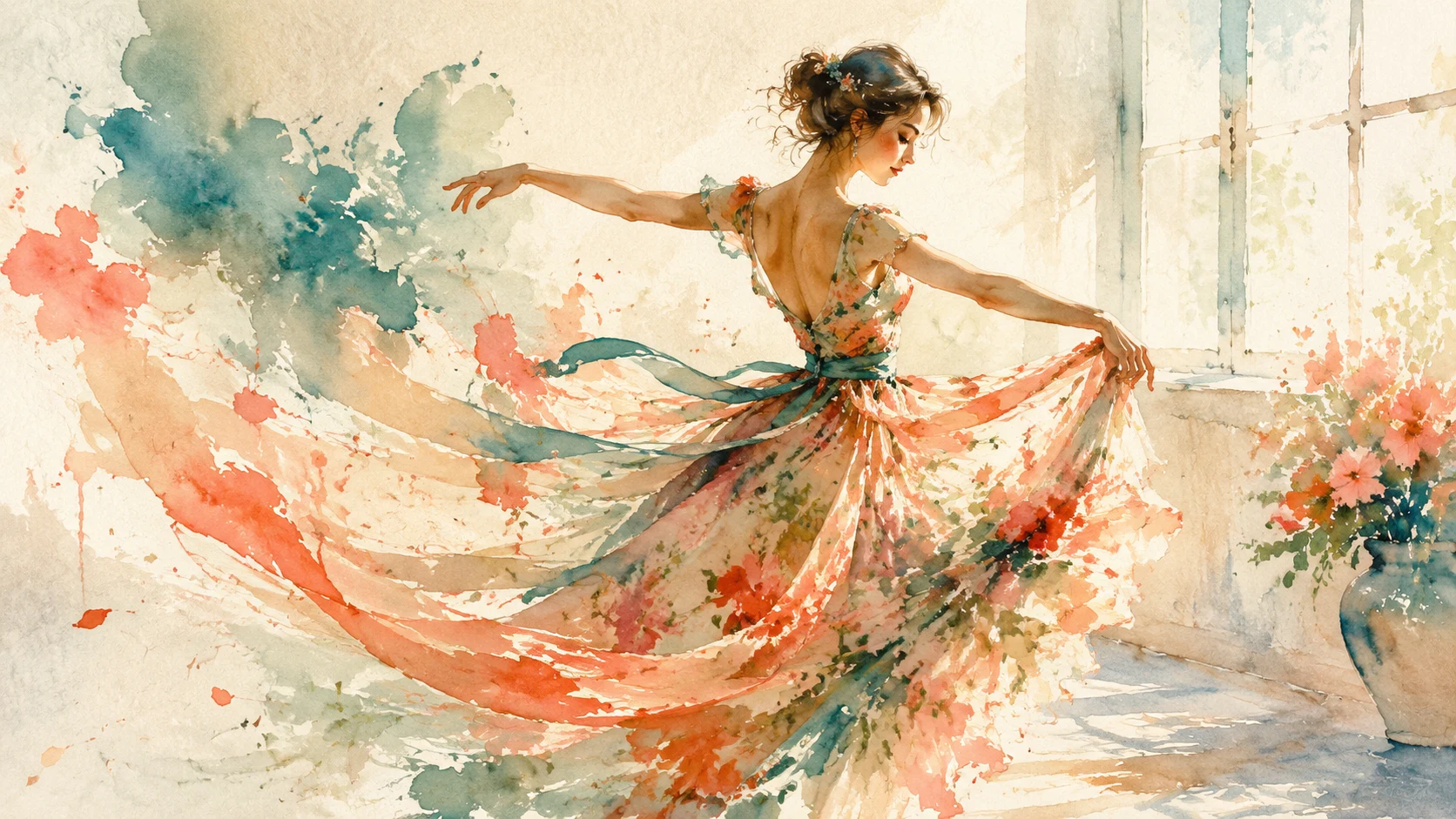
Use motion that belongs in the scene: fabric rippling, hair flowing naturally, light shifting across the dancer, or sunlit dust drifting through the frame. For an outdoor performance scene, these motion cues keep the Seedance 2.1 result grounded without relying on weather effects.

Fabric flowNatural lightCostume movement
How it works

How to create a Seedance 2.1 style video

Use this process when you want a clean Seedance 2.1 style clip from a photo, product image, AI-generated keyframe, portrait, or dramatic still.

1

Choose one visual direction

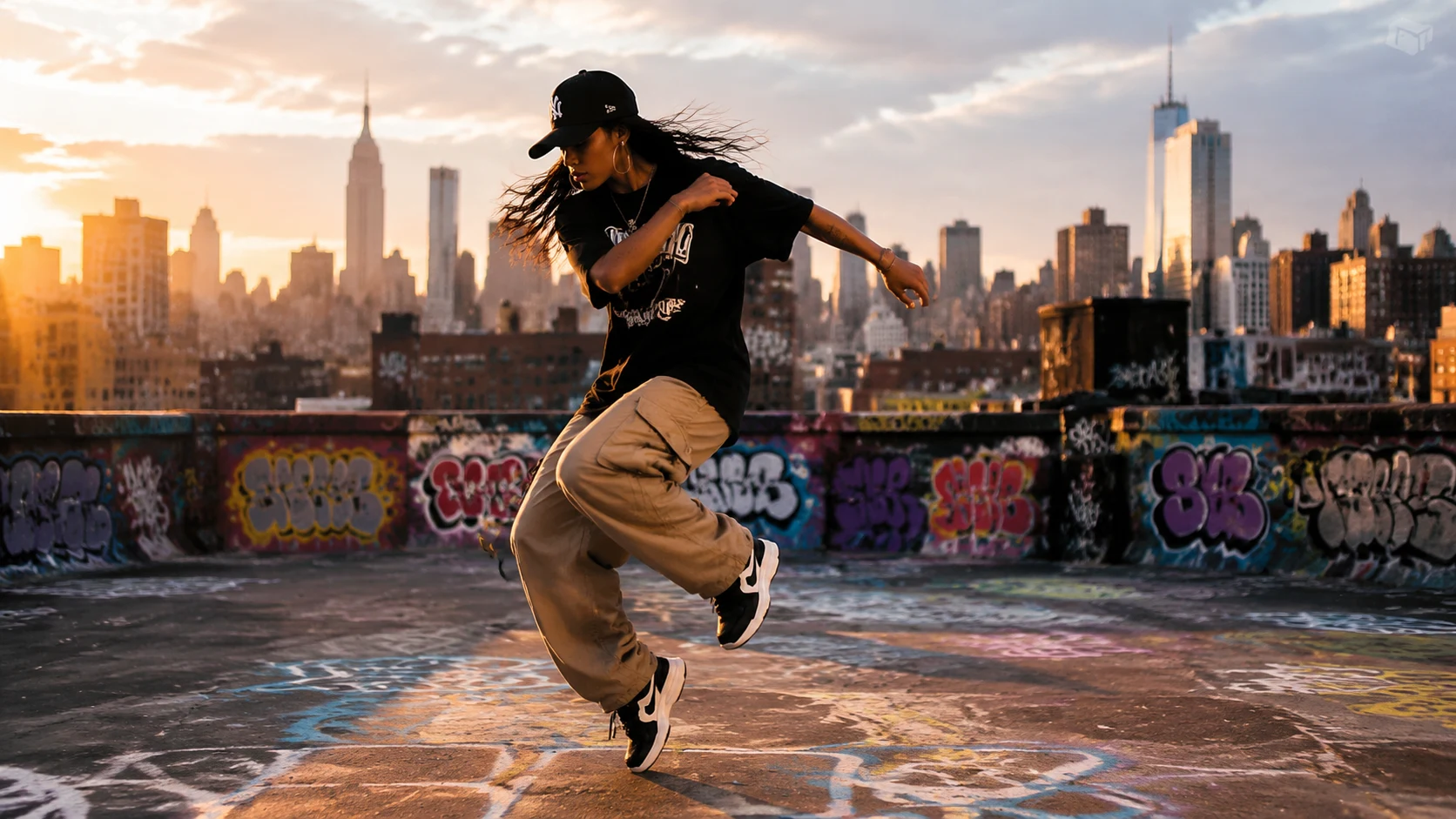
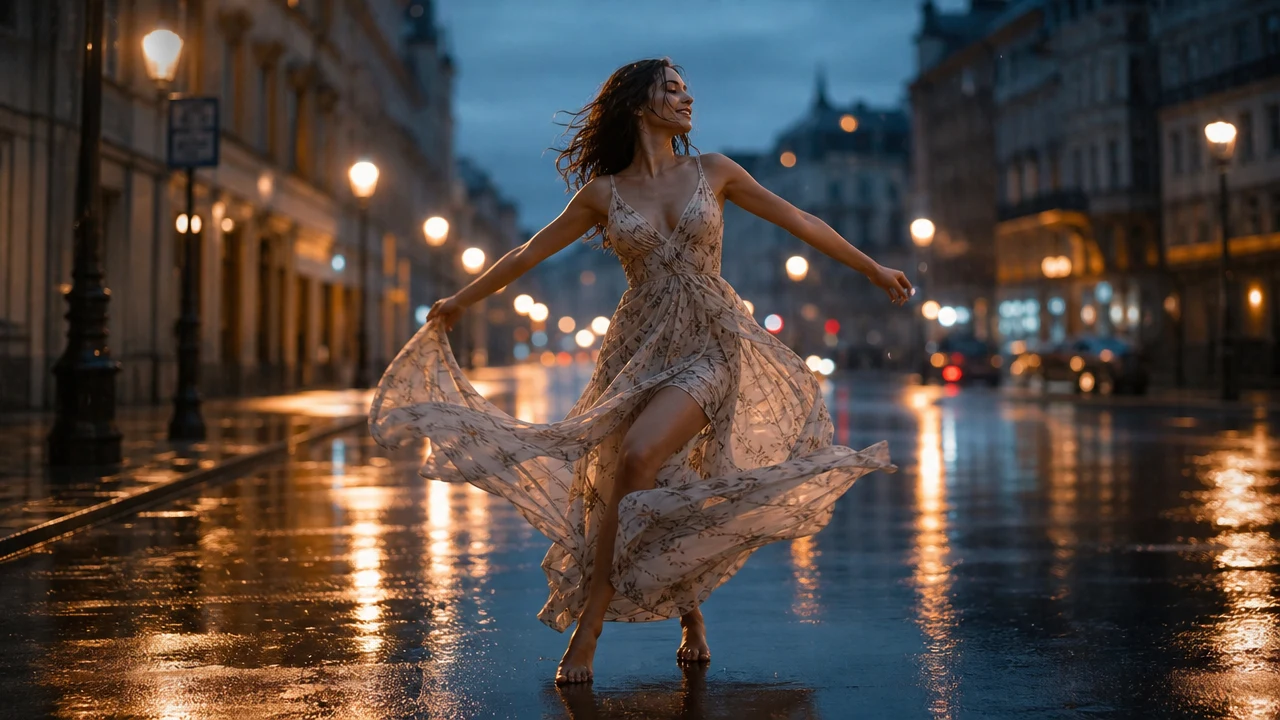
Pick one scene such as a dancer silhouette against a sunset, a street performance at night, or an artistic dance portrait. Seedance 2.1 output improves when the source frame is clear.

2

Upload the image or write the brief

Use the image-to-video tab for source frames or text-to-video style prompts for early concept tests.

3

Describe motion precisely

Add camera path, subject action, environmental movement, lighting change, and pacing. Keep the Seedance 2.1 prompt focused.

4

Generate and refine

If the clip feels too busy, ask for minimal motion. If it is too static, add foreground movement, drifting mist, or a clearer camera direction.

Seedance 2.1 video generator use cases

Seedance 2.1 planning is useful anywhere a still image needs to become a short, believable video. These examples cover different dance and performance art styles, each keeping one coherent aesthetic so the result feels intentional and polished.

Seedance 2.1 video generator FAQ

Frequently asked questions about using Seedance 2.1 prompts on Seedance, login requirements, and image-to-video workflow with the current generation path.


Start a Seedance 2.1 style video

Upload one image, keep the scene coherent, and generate a short Seedance 2.1 style video.